Transform Your Workflow: Visualize with Board View
Convert any business process into an intuitive visual workflow with QkrBiz's dynamic Board View. Whether you're tracking projects, tasks, new hires, managing F&F, or monitoring employee probation—customize your Kanban boards to bring clarity to every status-based operation. Your processes, organized your way.
Free Demo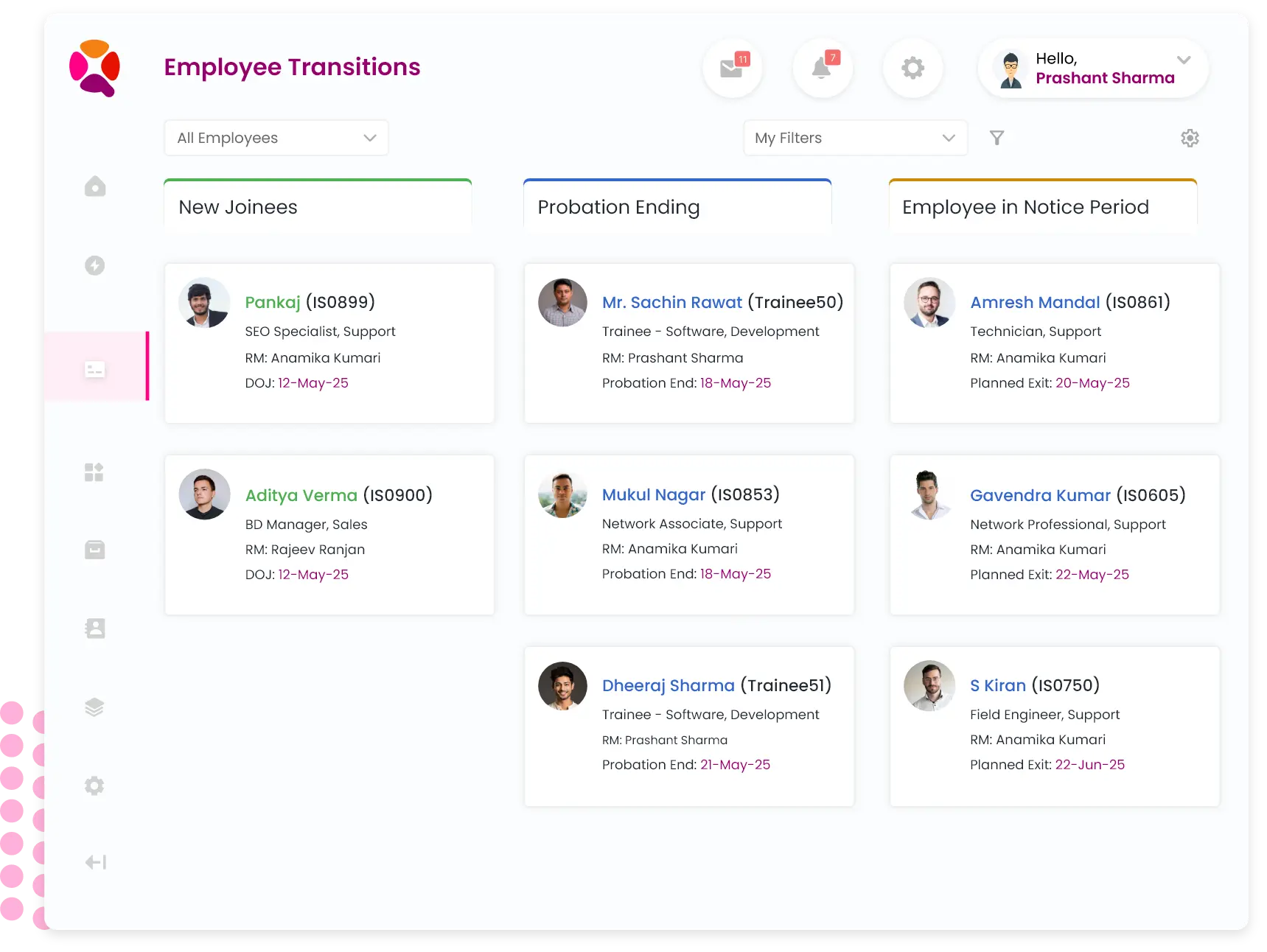
Features
Start working quickly with a user-friendly interface that is similar to familiar spreadsheet software like Excel. Reduce the learning curve with access to frequently used spreadsheet features on every page.
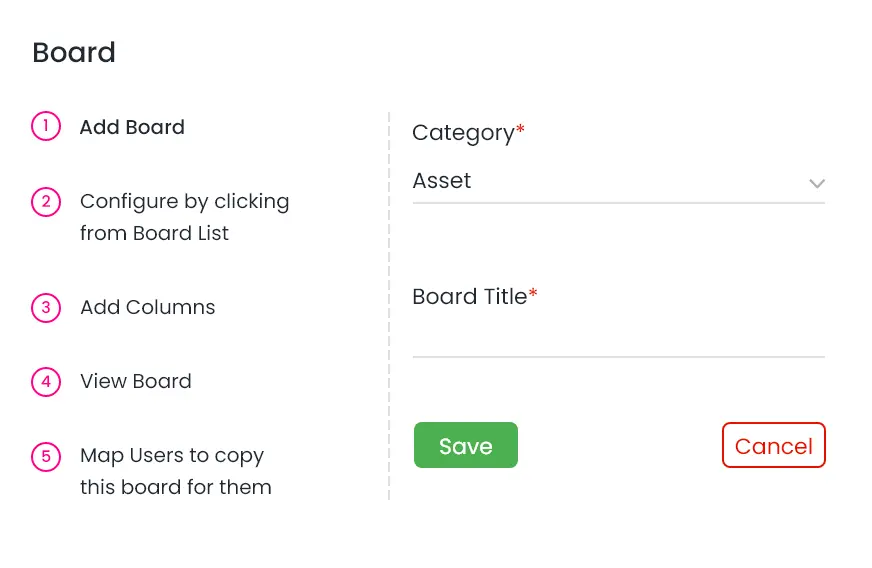
Kanban Boards
Build your own Kanban boards to visualize your work.
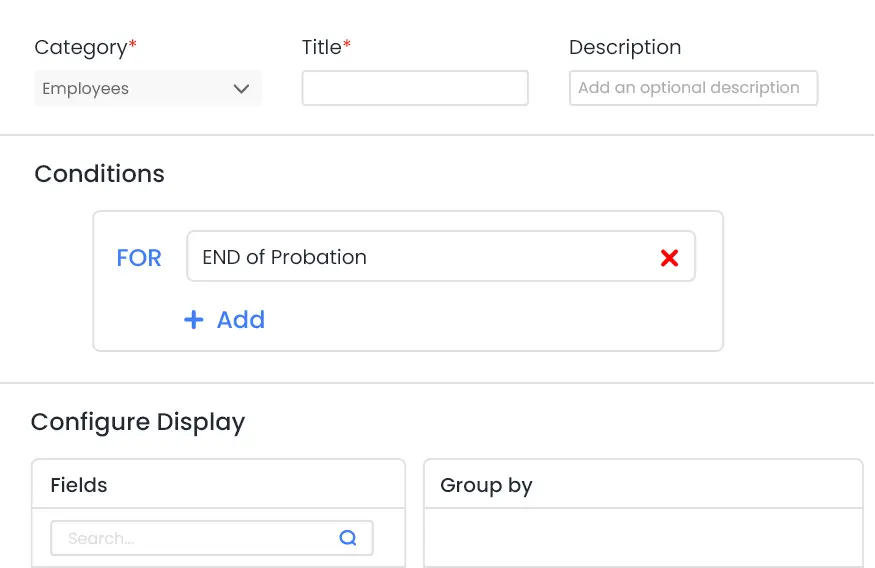
Columns
Use board view to arrange data in columns as per the status to help you focus on your work.
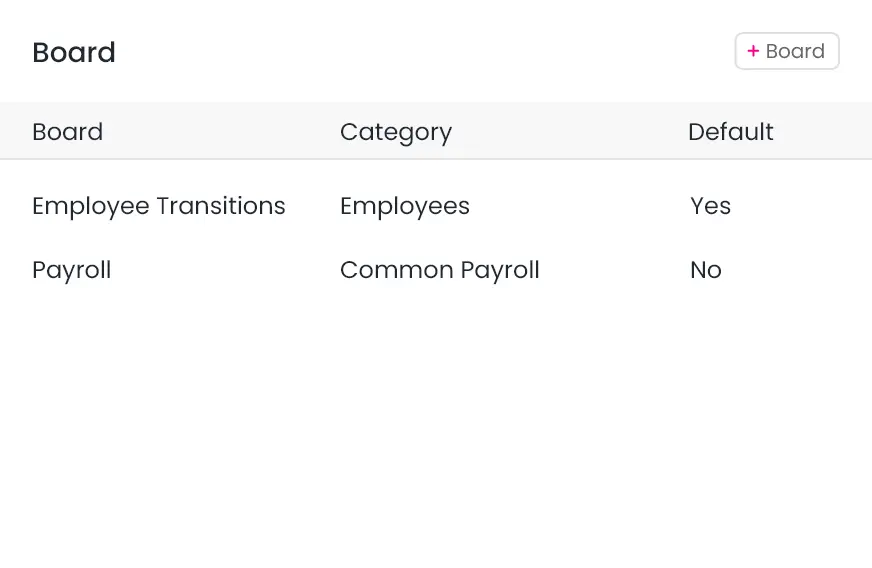
Multiple Boards
Create your own single or multiple board views for any data.
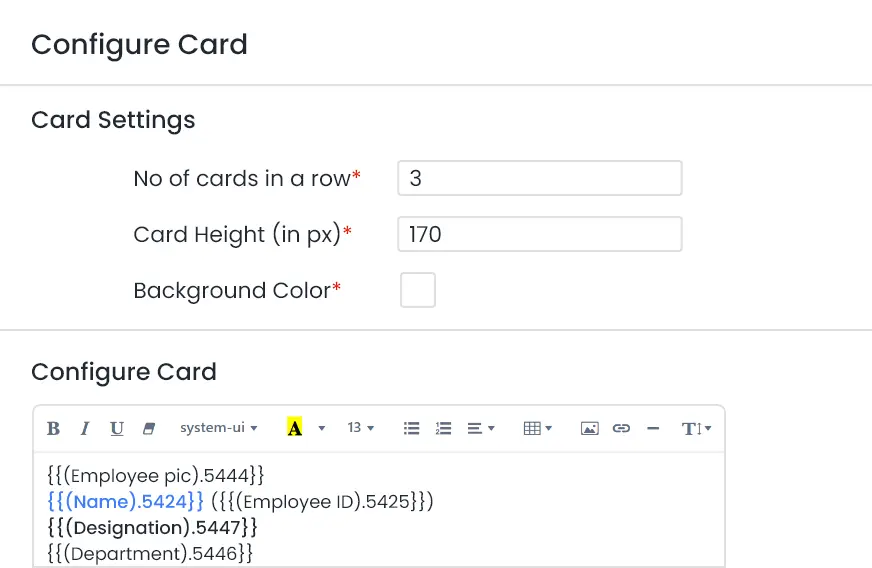
Design your own Cards
Configure columns and details of card as per requirement.
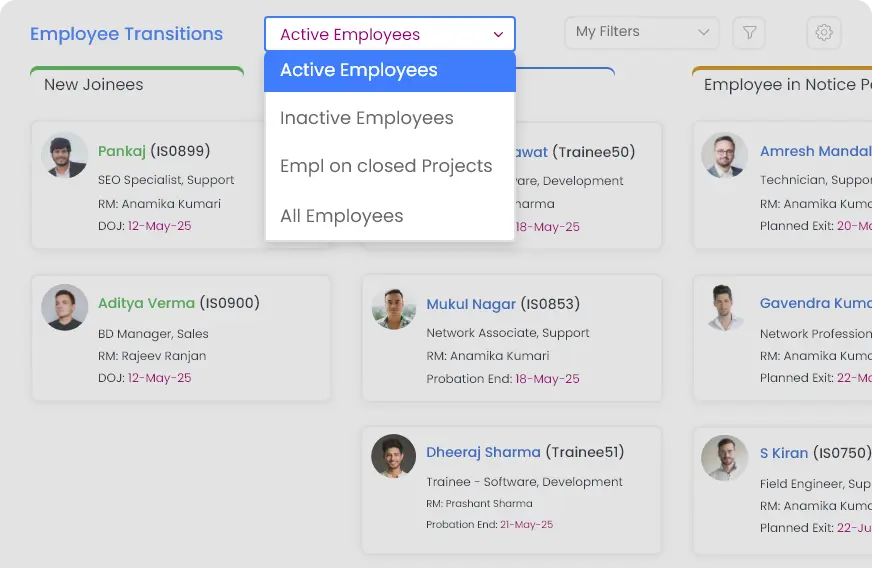
Preconfigured Filters
Use preconfigured filters to quickly apply commonly used filters.
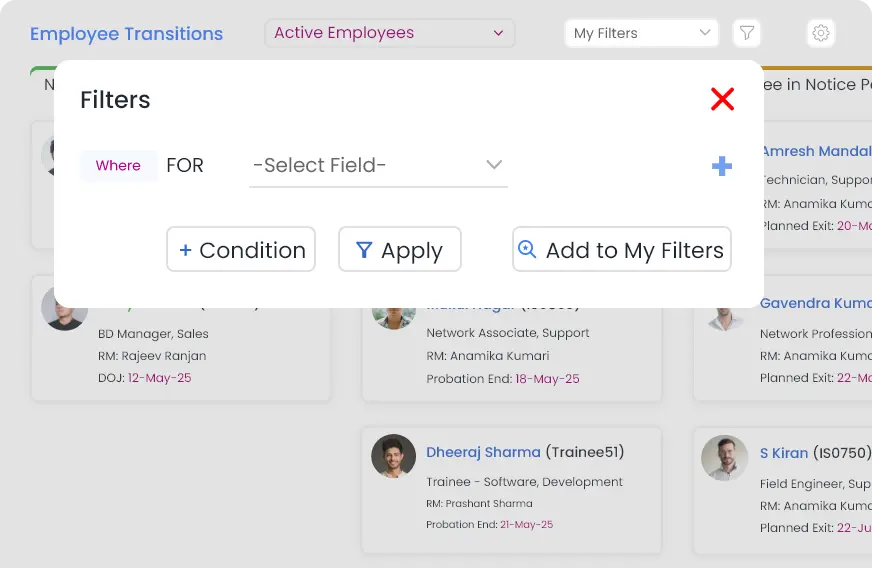
Custom Filters
Create your own filters and save them for reuse.
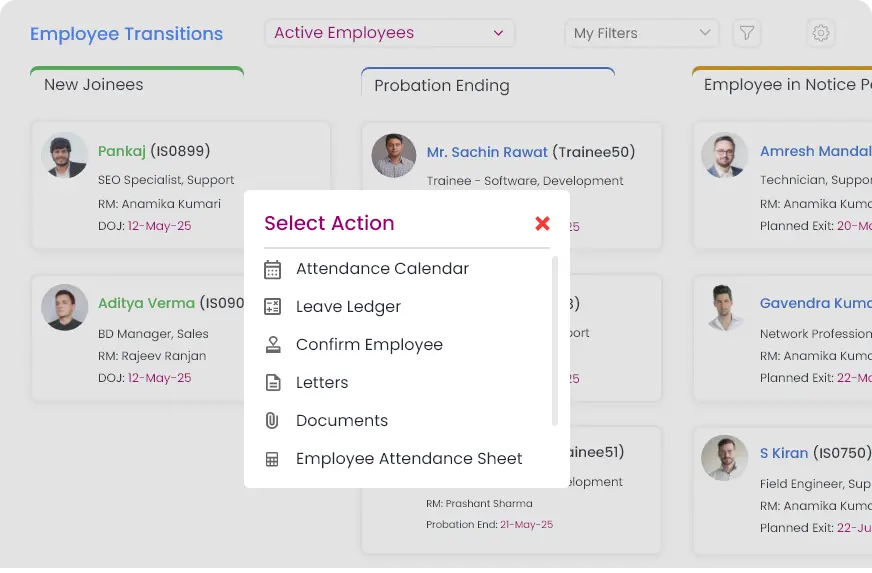
Action Menus
Use the action menus to perform all the possible updates.
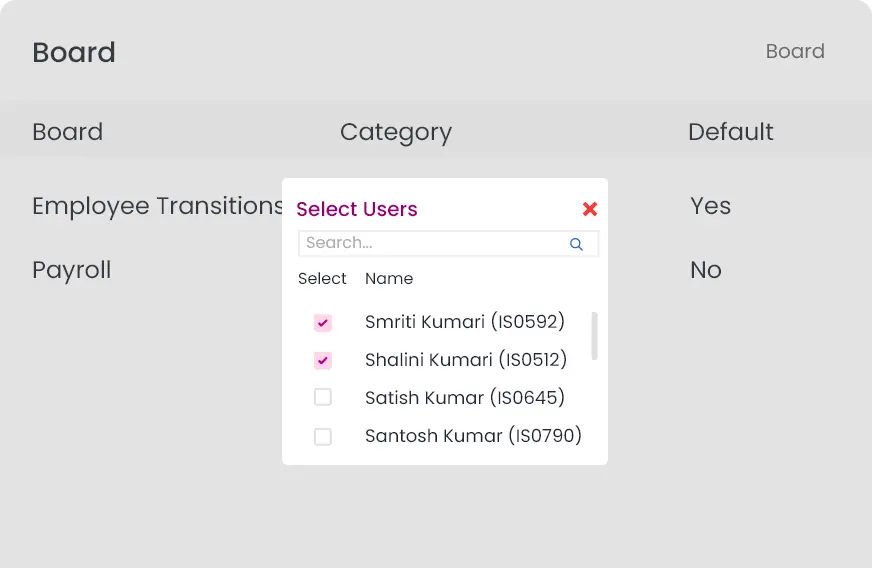
Share Boards
Create boards for others by cloning your board to save time.