Employee Task Management
Simplify task delegation, tracking, and execution with QkrHR
Where every task finds its path, Every deadline is met, and Every team works in sync.











































What Makes QkrHR Task Management a Game-Changer?
With QkrHR Task Management, effortlessly assign, track, and complete tasks while staying organized and in control.

Workflows That Work
Structure tasks with ease and never miss a beat.

Never Miss a Deadline
Smart reminders and automated follow-ups keep teams on track.

Crystal-Clear Accountability
Every task has an owner, ensuring seamless execution.
Insights That Drive Productivity
Data-backed reports help you optimize team efficiency.

Tailored for You
Customize tasks, priorities, and workflows to match your business needs.
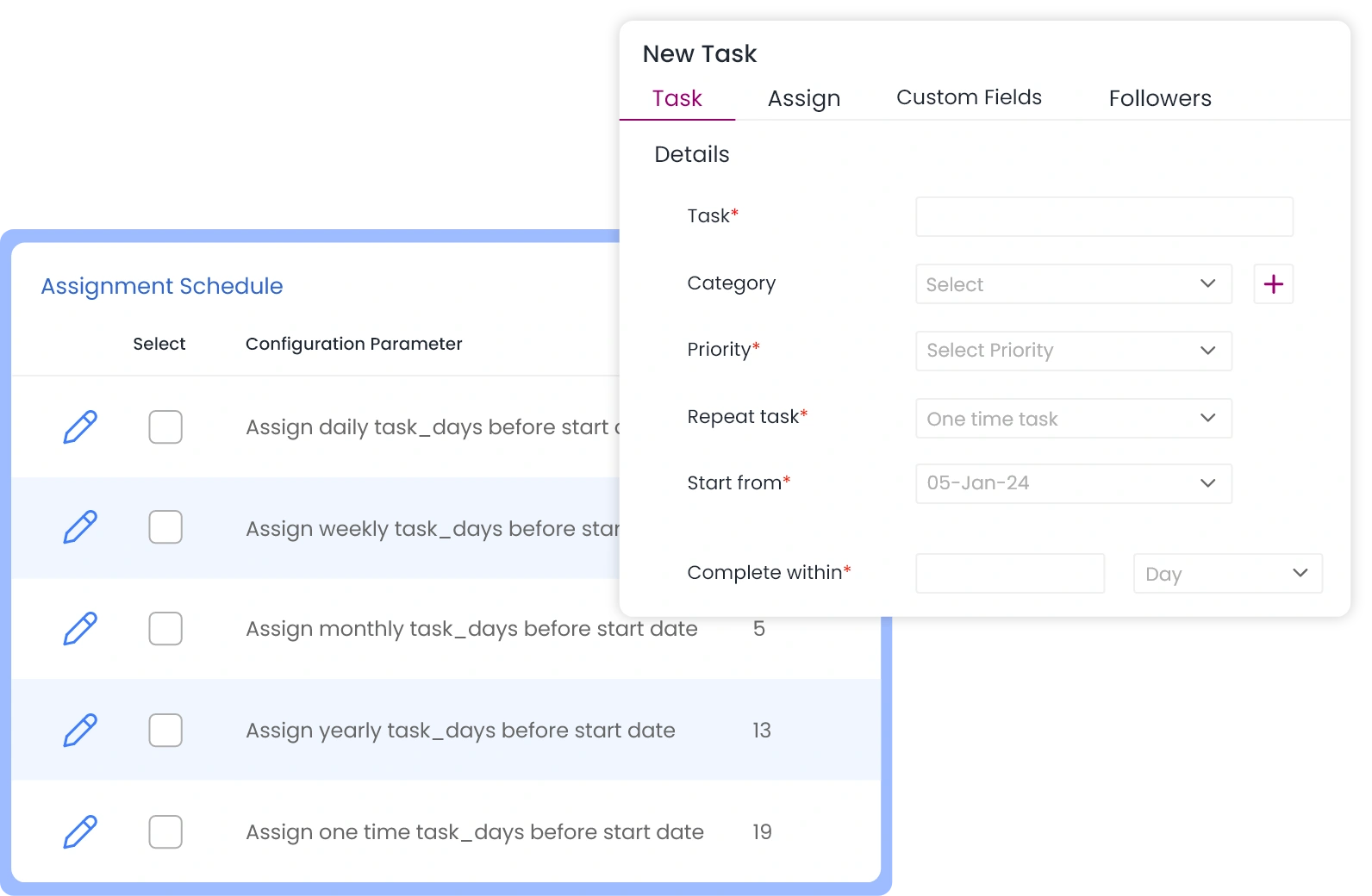
Smart Task Scheduling
- Assign one-time or recurring tasks effortlessly.
- Automate repetitive workflows like payroll approvals and compliance checks.
Priorities That Matter
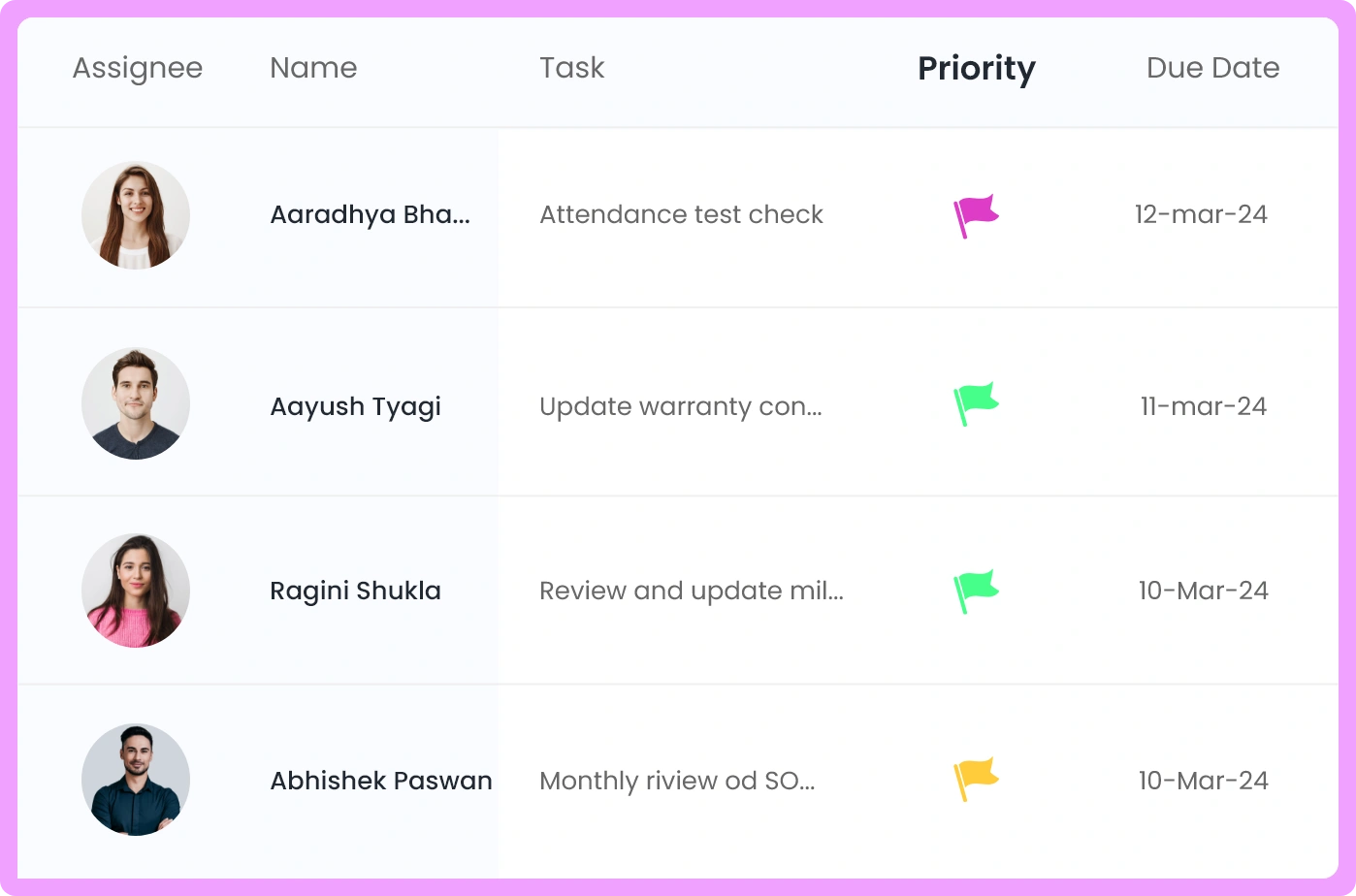
- Set urgency levels and due dates so critical tasks get done first.
- Visual task boards for instant clarity on pending work.
Revolutionizing HR Efficiency,
One Task at a Time
Streamlined Employee Onboarding
Compliance Without Complications

Payroll & HR Approvals Made Easy
Performance Reviews & Feedback Loops
Intelligent Alerts & Escalations
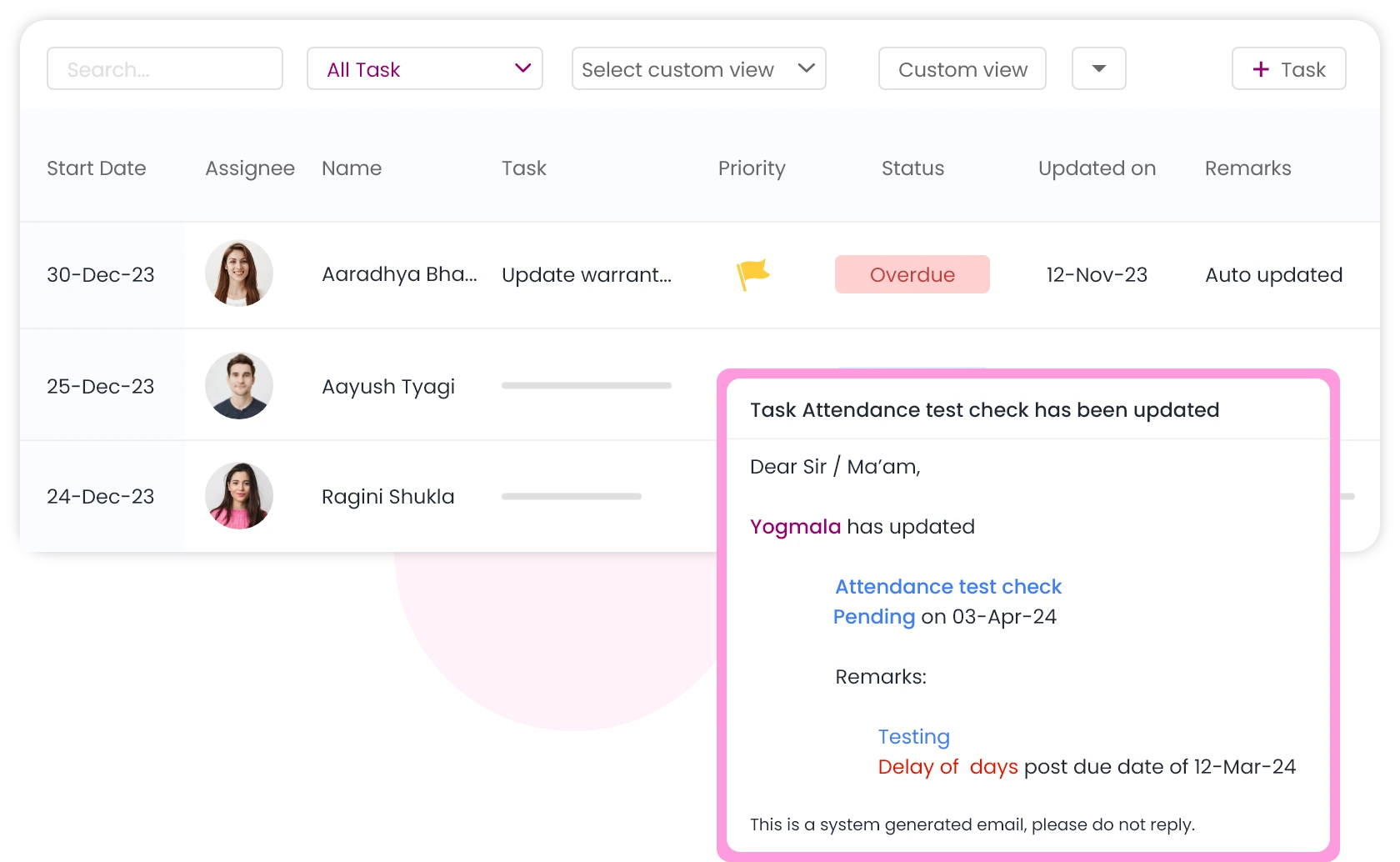
- Get notified before deadlines approach to avoid last-minute scrambles.
- Auto-escalate pending tasks to higher authorities to ensure accountability.
Real-Time Tracking & Reporting
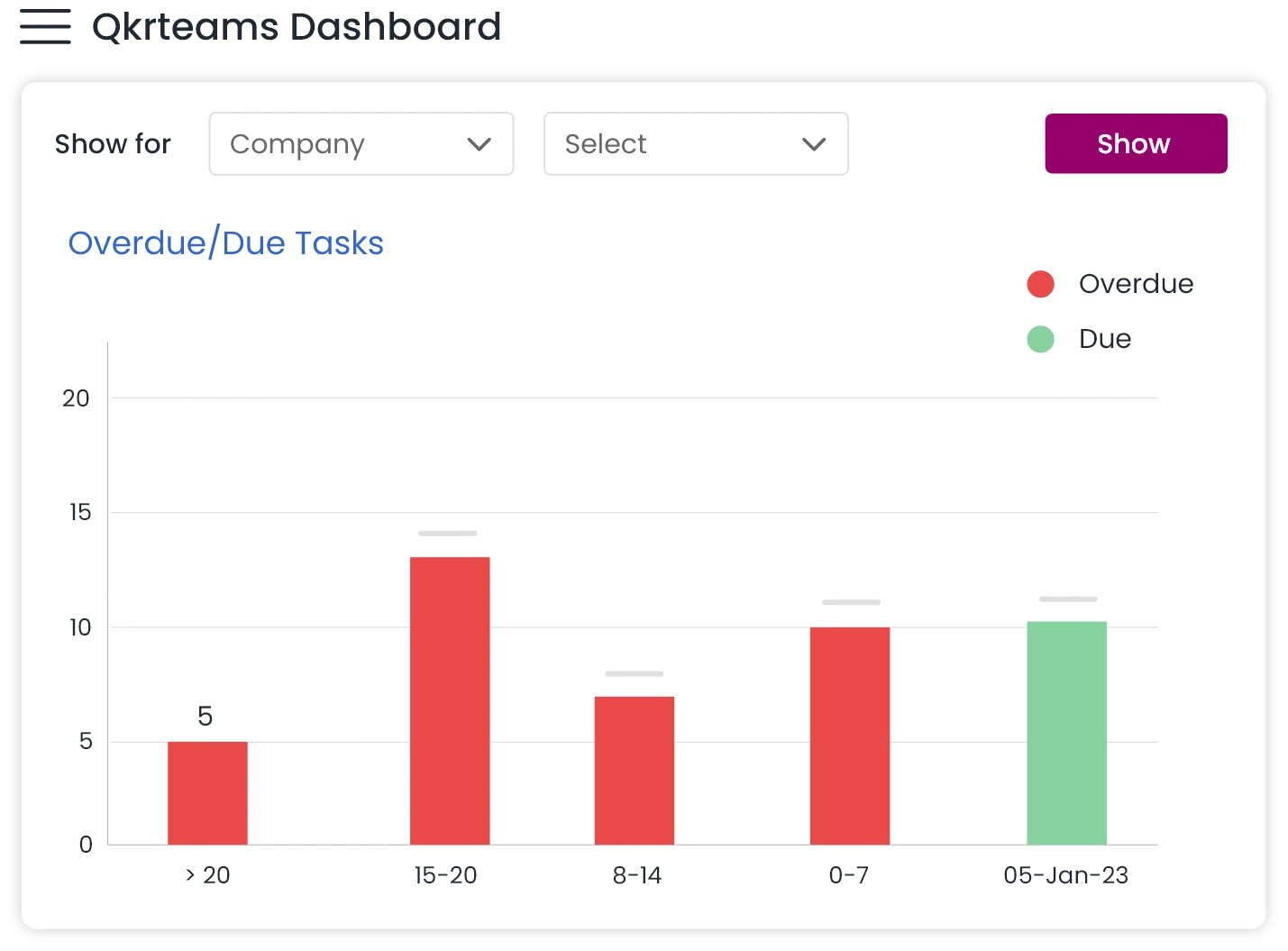
- Monitor task progress at a glance with live status updates.
- Generate reports to assess performance and optimize efficiency.
Smart Categorization & Filtering
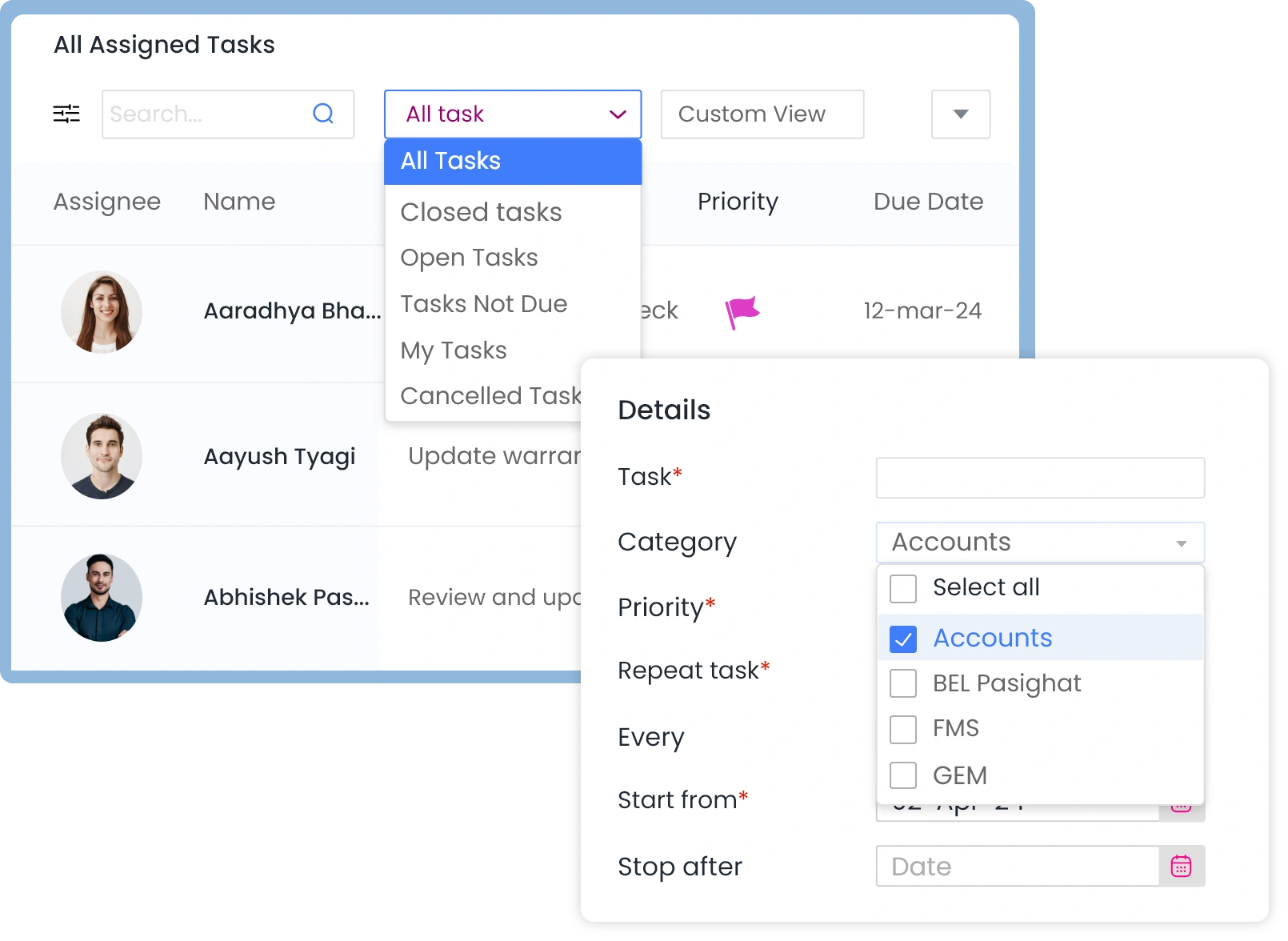
- Organize tasks under HR, Admin, Payroll, Compliance, and more.
- Use dynamic filters like "My Tasks," "Overdue Tasks," and "Urgent Tasks.
More Features
Start working quickly with a user-friendly interface that is similar to familiar spreadsheet software like Excel. Reduce the learning curve with access to frequently used spreadsheet features on every page.
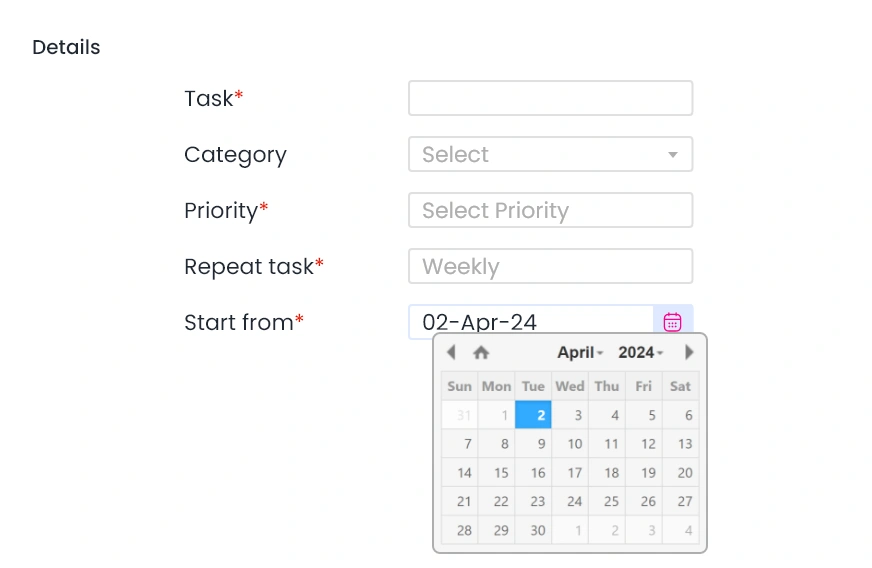
Start Dates
Start dates let team members focus on what's important now without worrying about when to get started on their upcoming tasks. Combined with estimated time for completion, start dates allow you to fix the due dates.
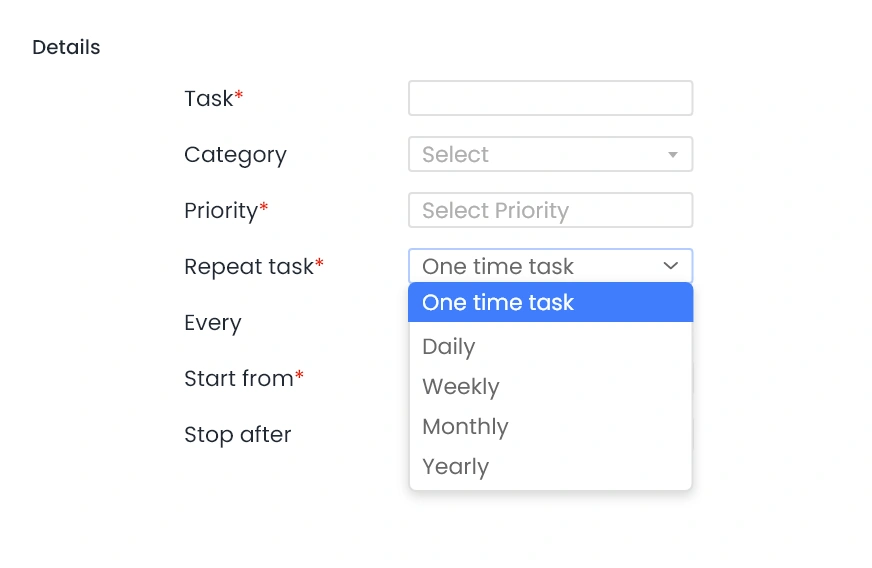
Recurring Task
Schedule tasks due in future or recurring tasks such as weekly reports, monthly MIS or annual renewal of contracts.
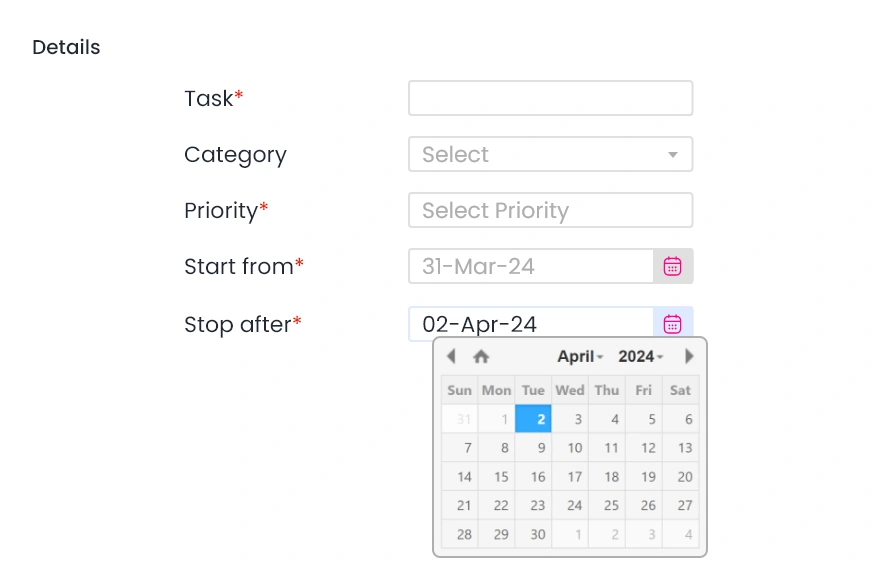
Stop After
Stop after date let’s you specify the date until which recurring activity will be assigned. The task is assigned continuously if no stop after date is specified.
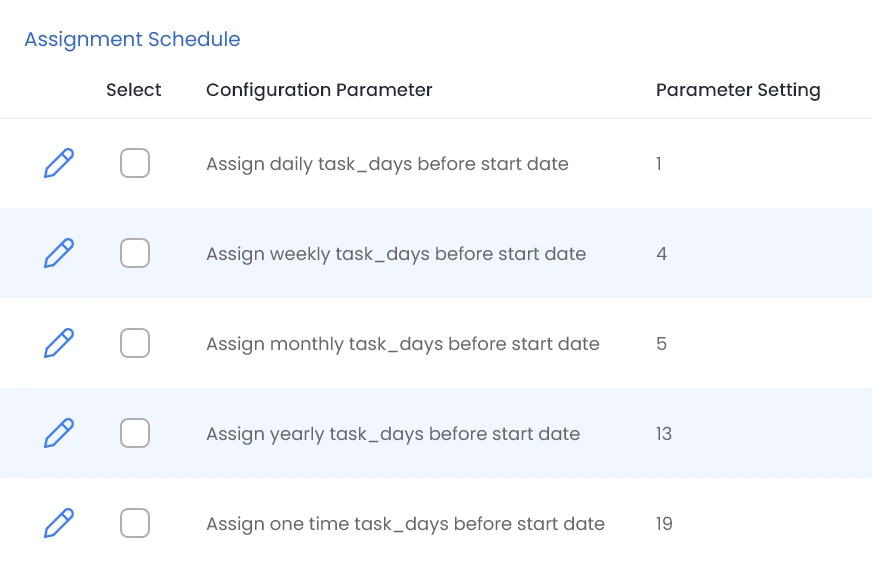
Assignment Date
Use the assignment schedule to configure how many days prior to the start date tasks are assigned. This will help you in avoiding cluttering up the task list and at the same time gives sufficient time to plan your upcoming task.
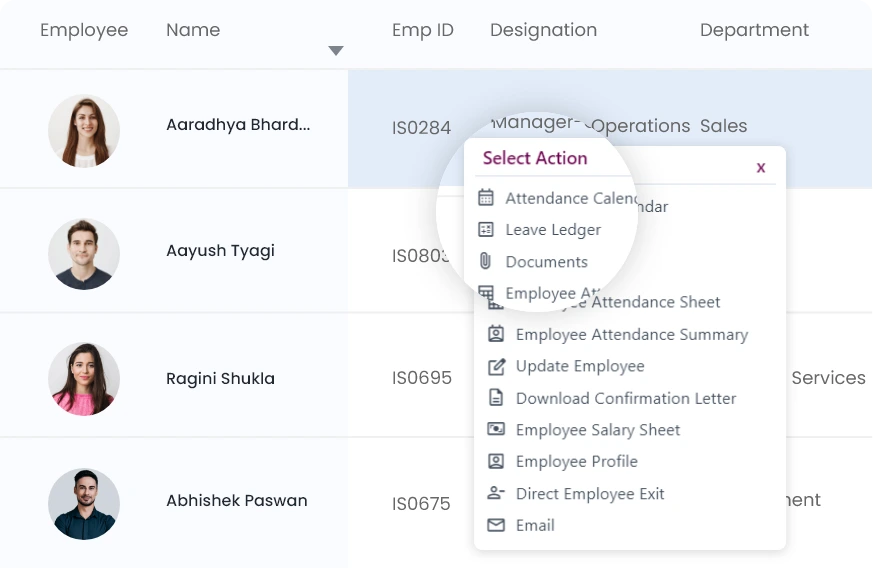
Custom Fields
Use QkrTasks to create your own form. Add numbers, dropdowns, text inputs - literally add anything to your tasks. Get detailed notification on app and email when these are updated.
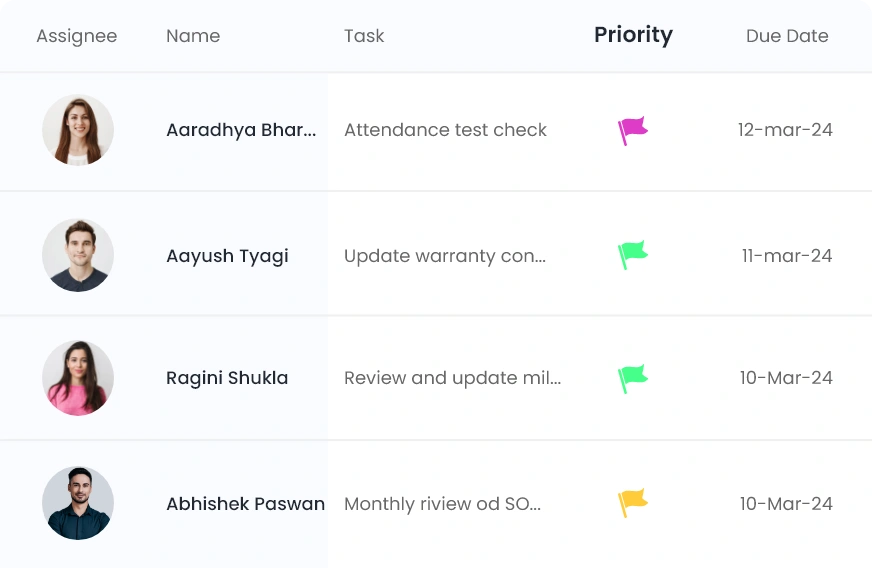
Priorities
Categorize tasks based on their priority. You can reset priority at any time.
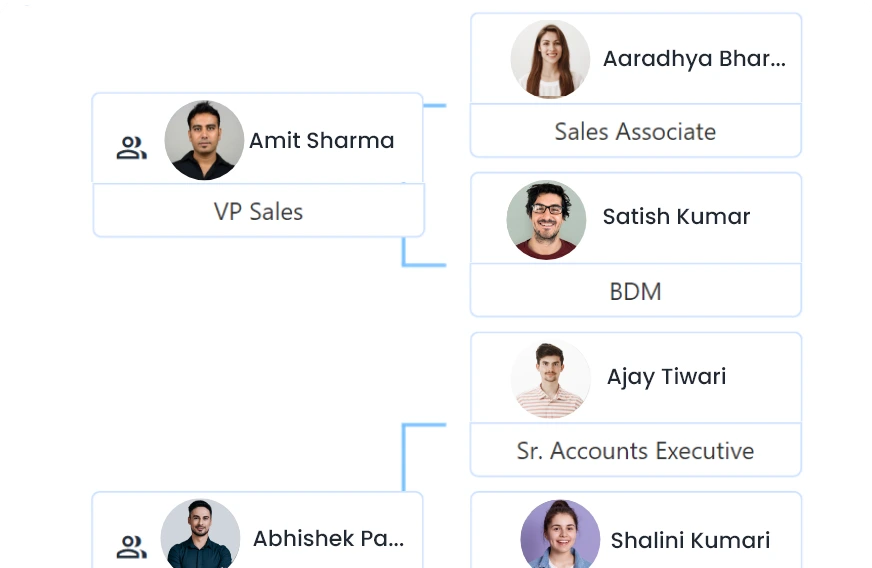
Hierarchy Based Access
Stay on top of your work with visibility of all tasks assigned to any of your reportee team members as well as tasks assigned by them.
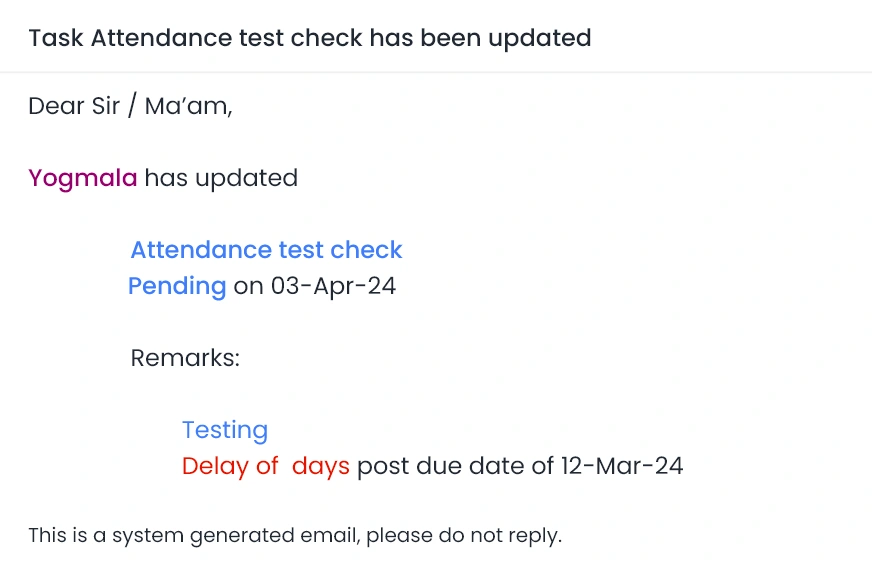
Reminders For Everything
For total peace of mind, set up notifications on assignment of tasks to you or your team. Set reminders for overdue tasks, tasks due today, or due tomorrow.
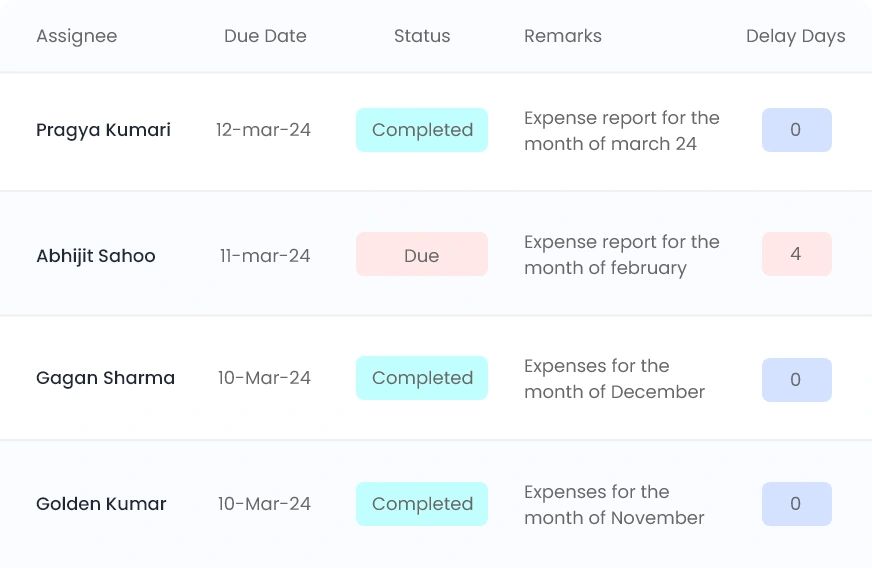
View History
Get a consolidated view of past updates of a recurring task on a single page with custom fields and attachments.
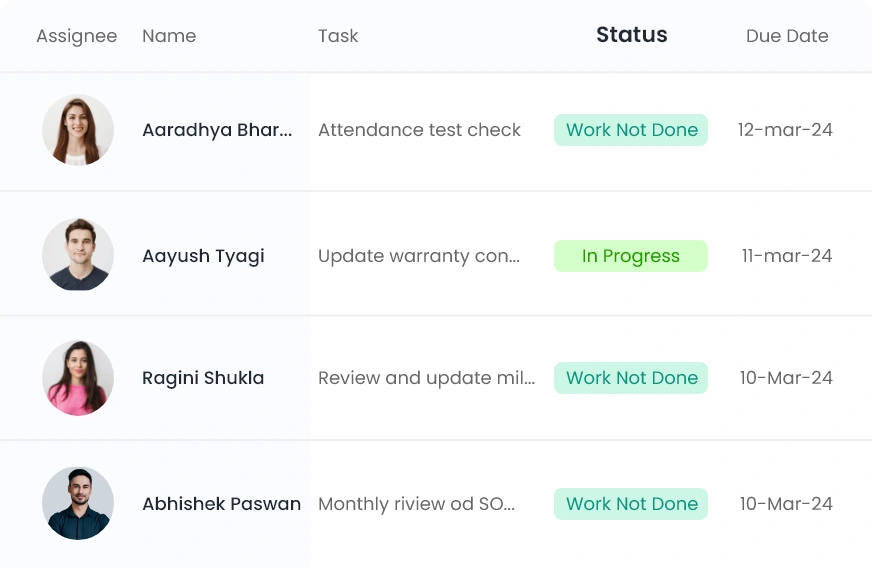
Work Not Done Closure
Recurring task may become obsolete if it hasn't been finished and the one for the next period has become due. Specify the days after the due date for automatic update of task status to ‘Work not done’ and stop reminders.
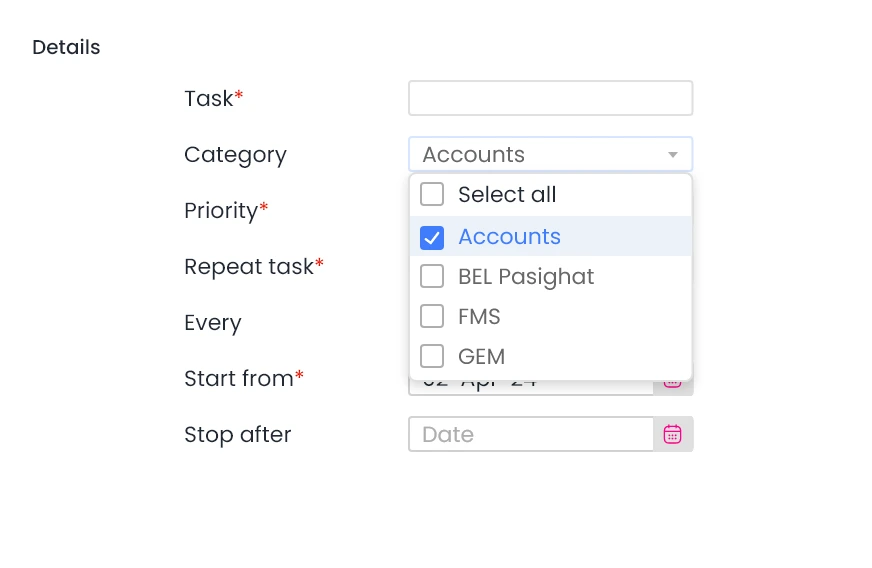
Category
Create categories and map tasks to one or more categories. Filter or search based on task category.
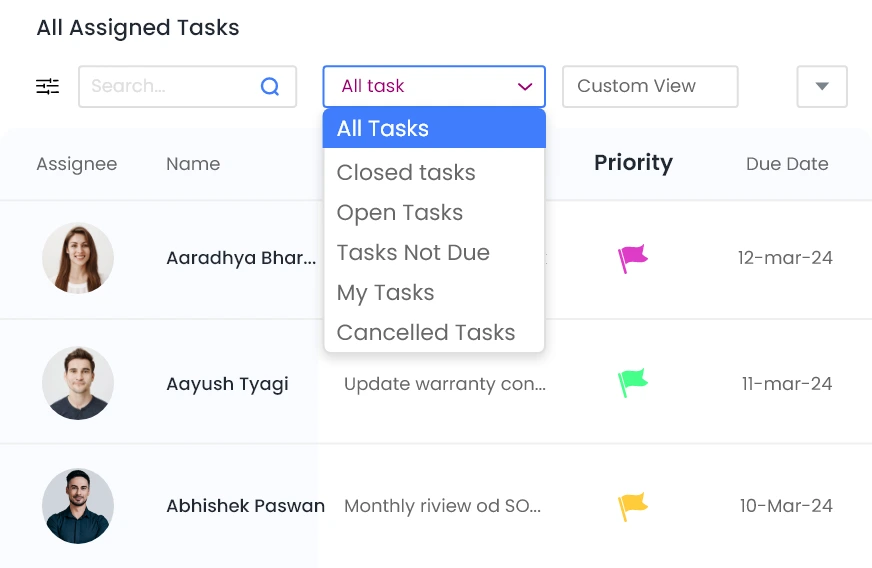
Filters
Use preconfigured filters such as My tasks, Assigned by me, Overdue tasks, etc. to quickly see all tasks of a particular type. Create and save your own frequently used filters.