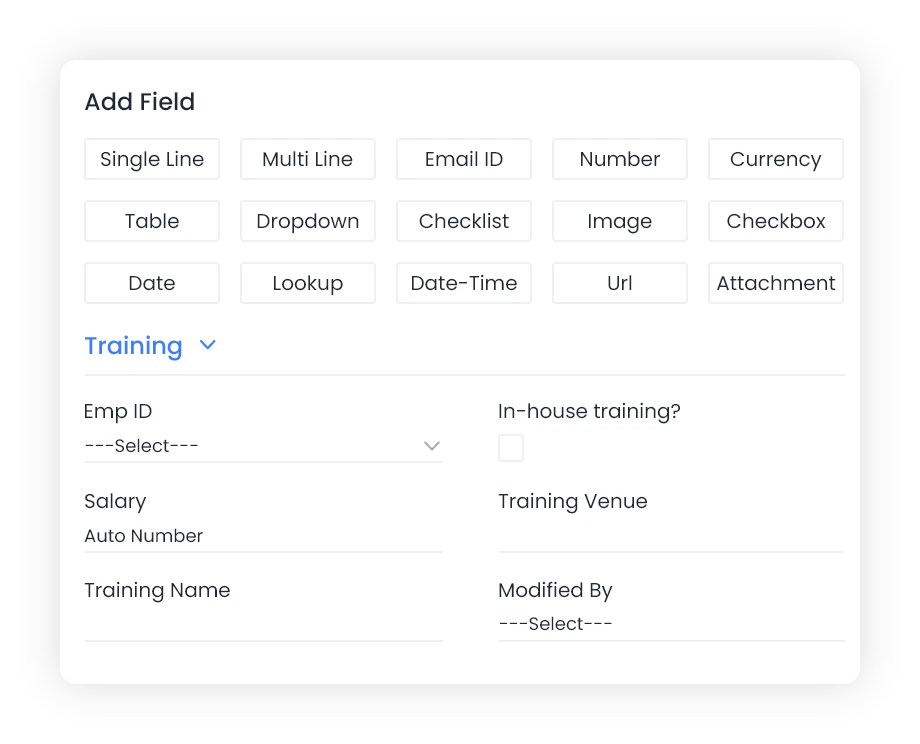
Custom Fields
Add custom fields to any form; Qkrbiz will automatically display these in table view and form view.
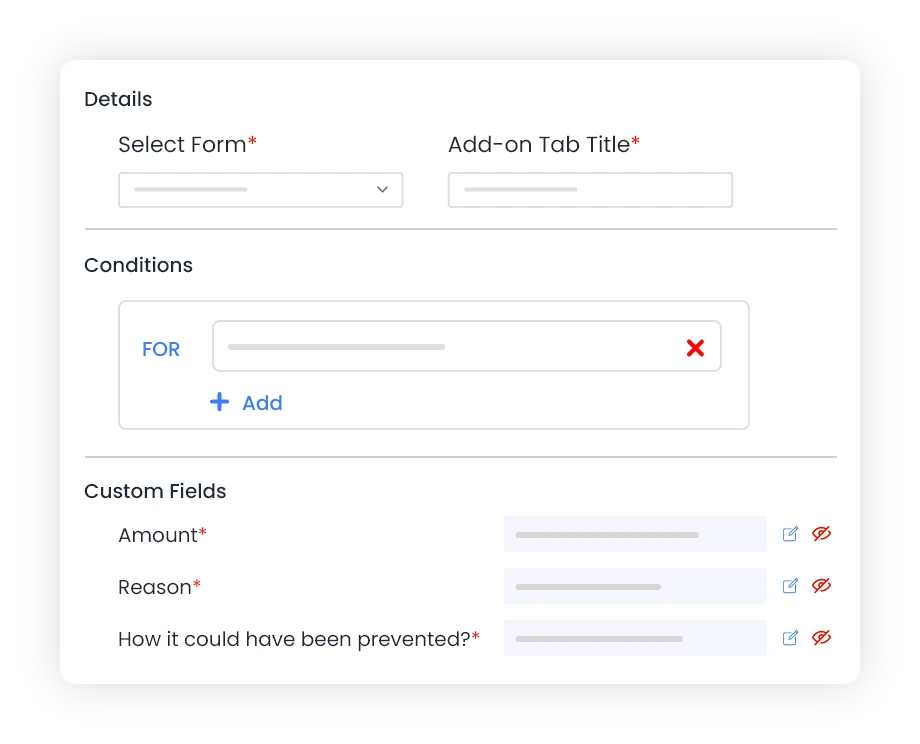
Custom add-on Tab
Customize the entry forms by adding condition based tabs with unlimited fields offering greater flexibility.
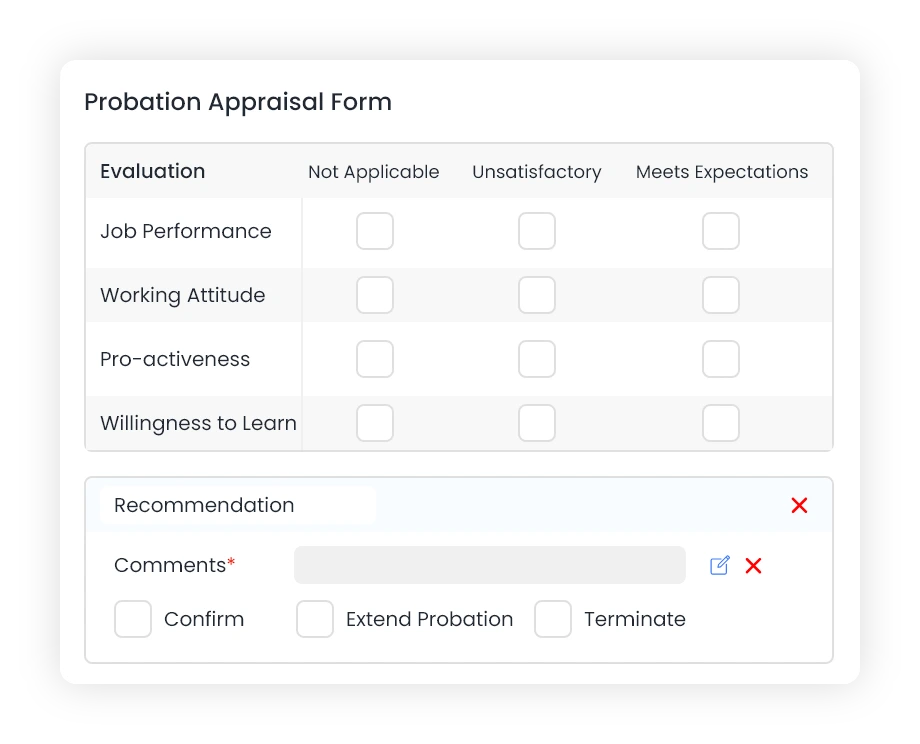
Custom Forms
Design your own form and push it to multiple people for updating their section using workflows.
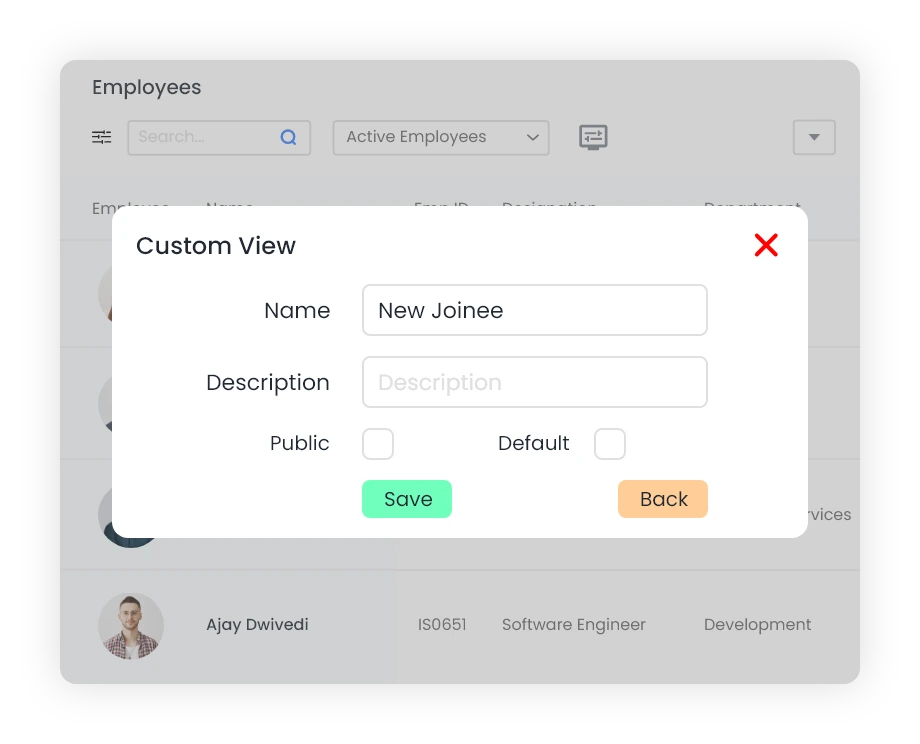
Custom Table Views
Personalize views by rearranging columns, sorting, filtering and changing other settings. Save frequently used views or share with others as required.
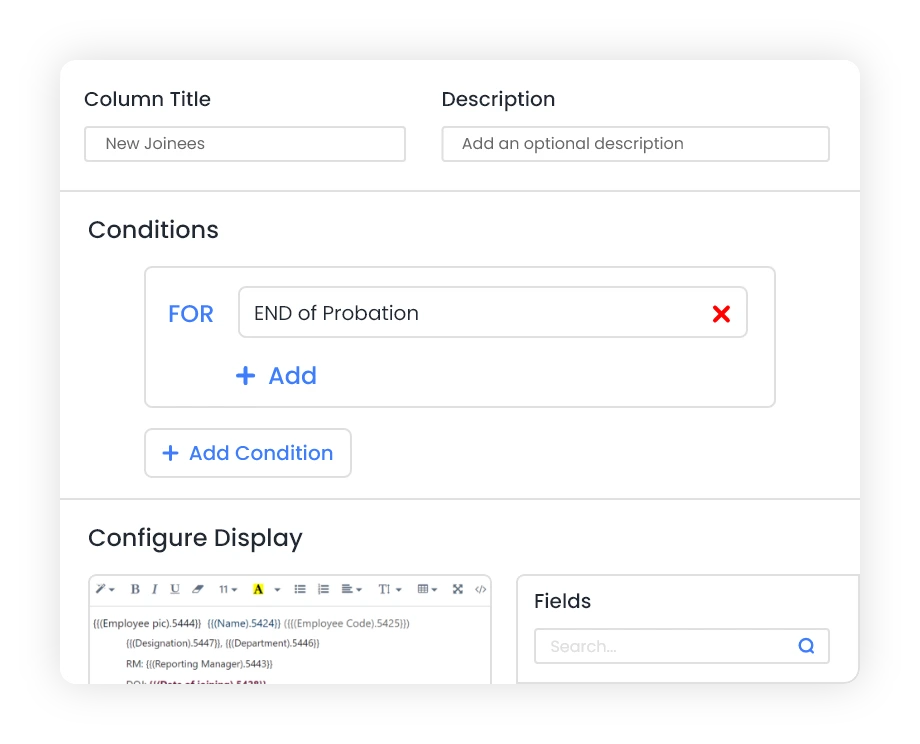
Custom Kanban Boards
With custom Kanban boards, you can organize and categorize your tasks and projects in an effective and visual manner.
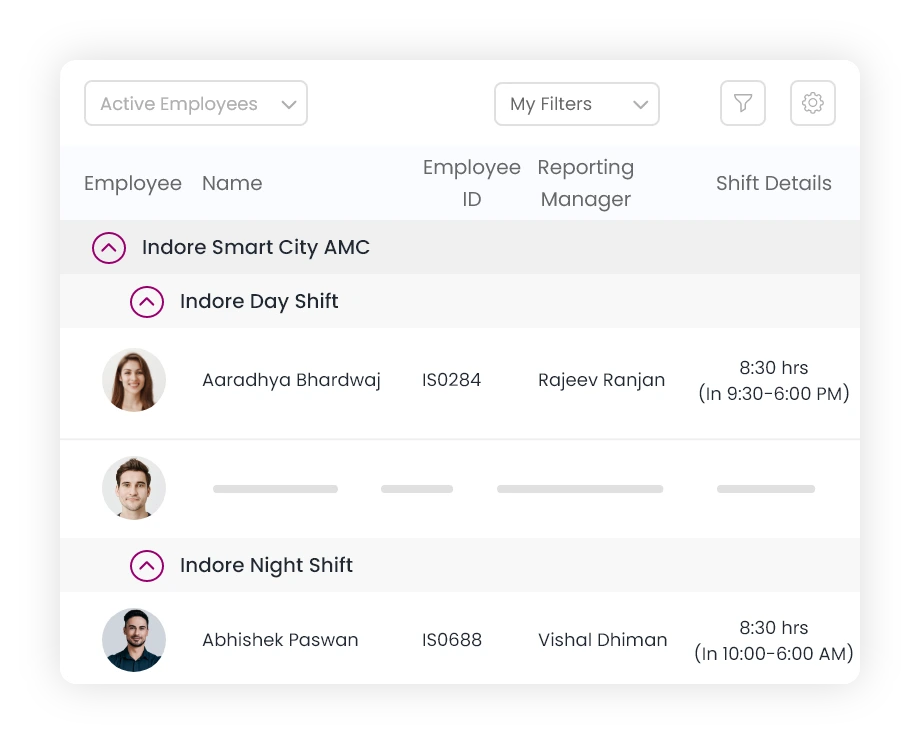
Custom List Views
Group and sort data as per your requirements. Click on any row to take further action.
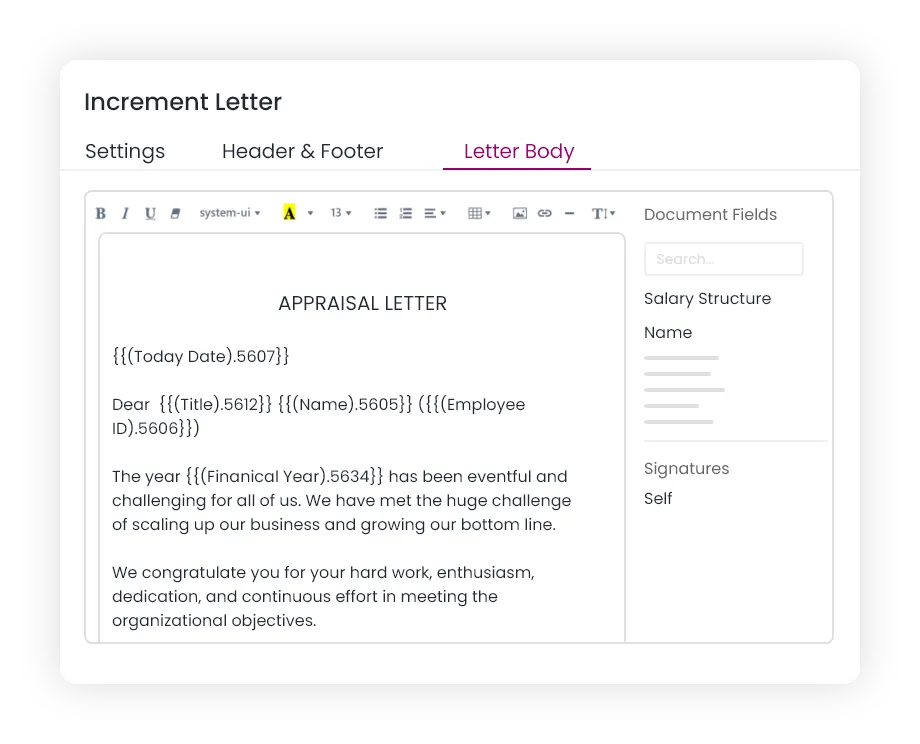
Generate Letters
Generate letters such as offer letter, appointment letter, increment letter, bank requests, etc. digitally using custom templates and send them through the system.
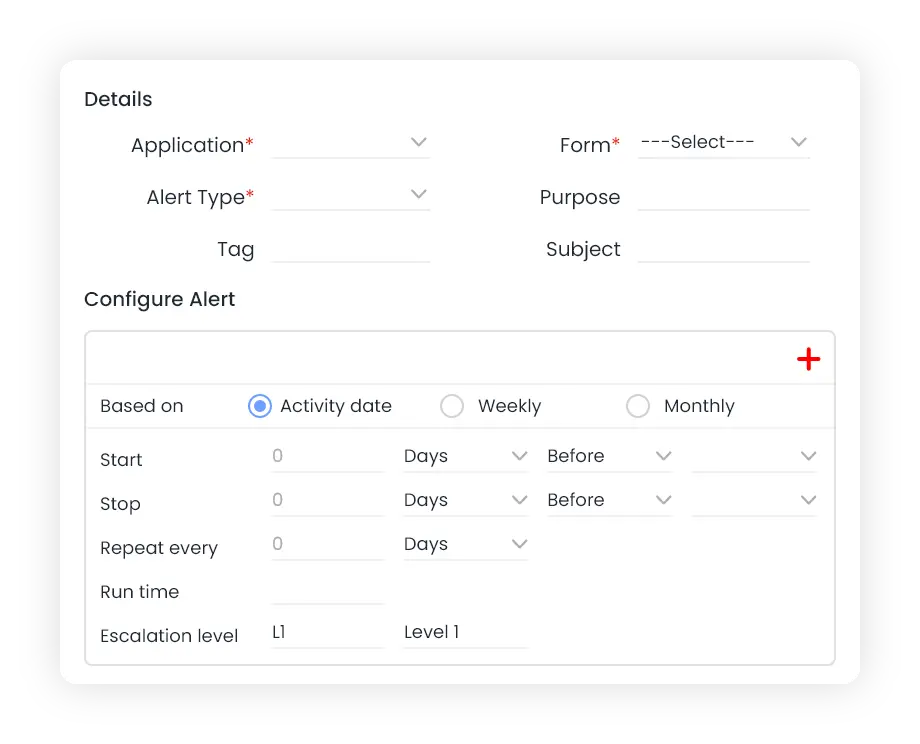
Custom MIS Reports and Alerts
Create and schedule MIS reports and escalation alerts for automated Reminders.
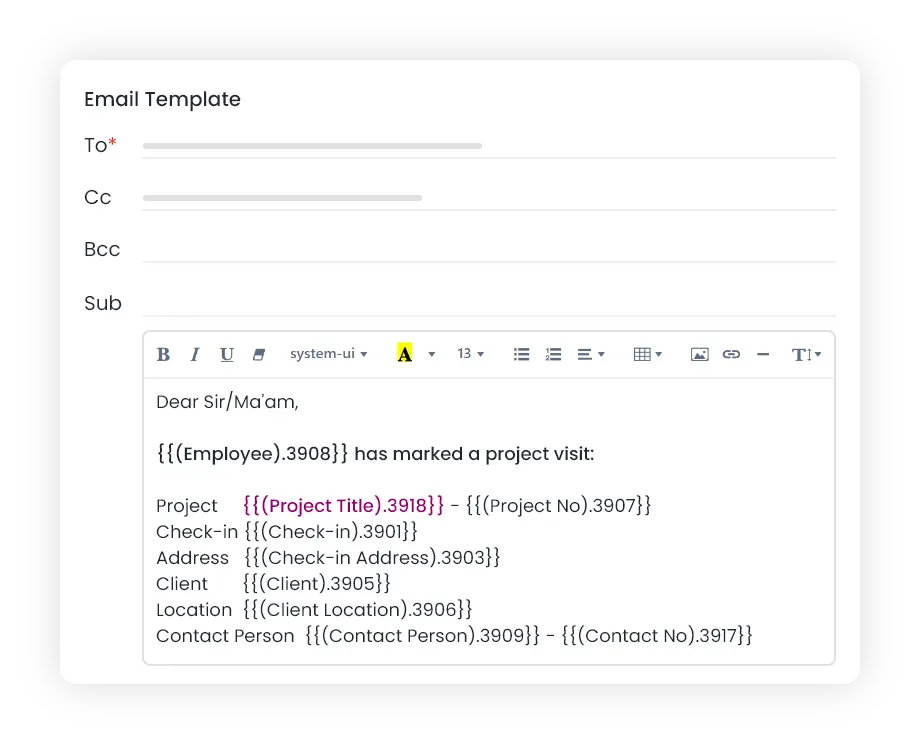
Customize Templates
Use pre-configured templates for alerts and notifications or customize as per your requirements.
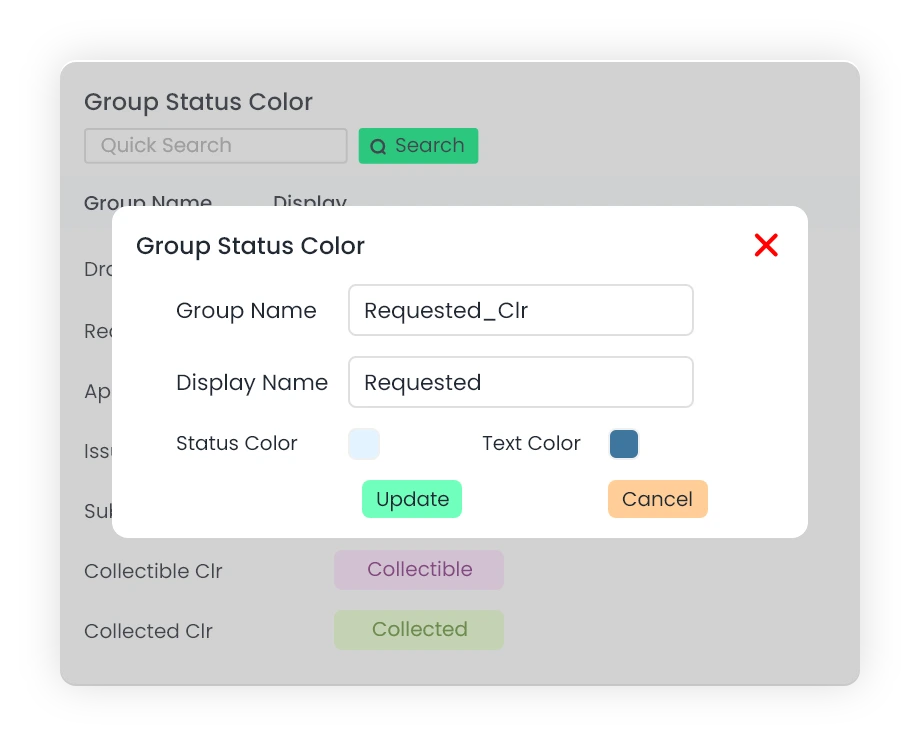
Custom Colors
Use a coordinated color scheme throughout the application for all status. You can reset the color of any status at one place and all equivalent statuses will be updated across the entire application.
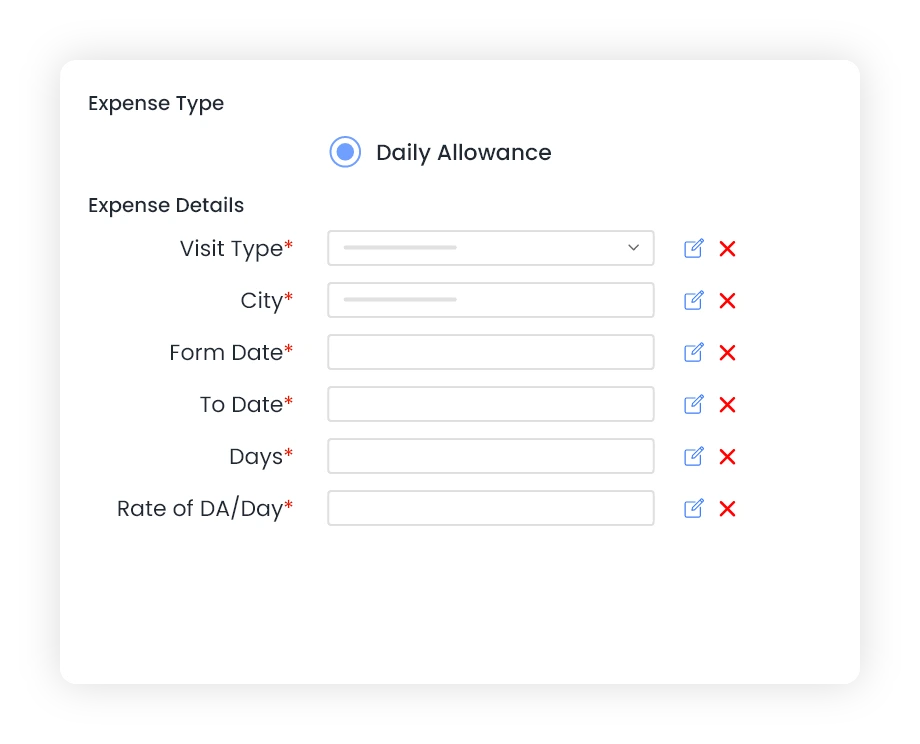
Customize Expense Form
Customize the expense form by choosing which fields to display or hide based on your needs.
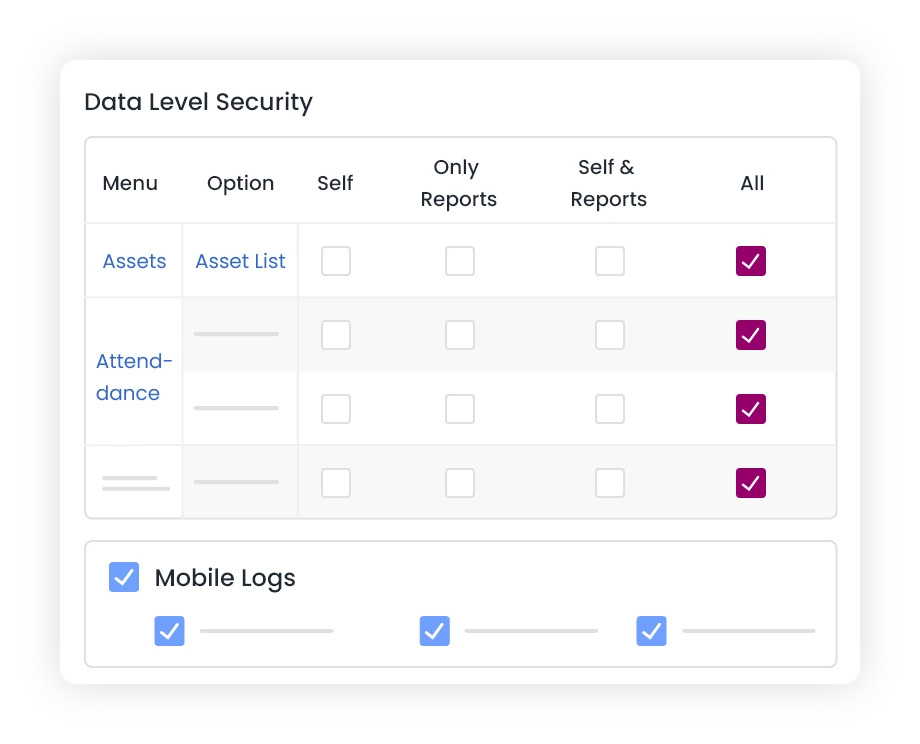
Custom Roles
Create custom roles with different permissions apart from the predefined roles.
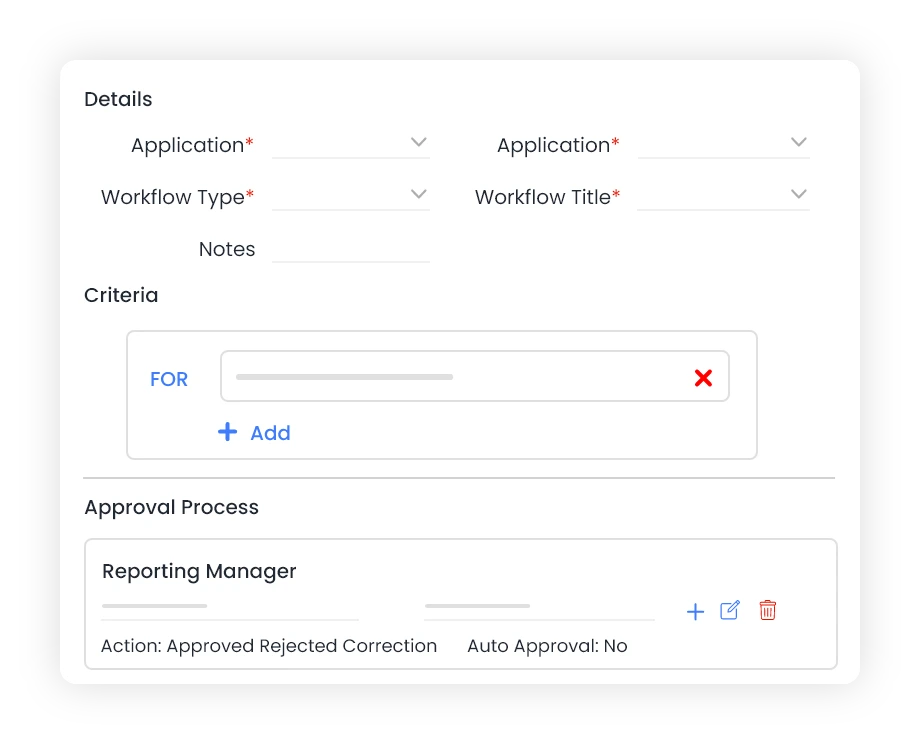
Custom Workflows
Create policy based approval workflows with as many levels of approval as required.
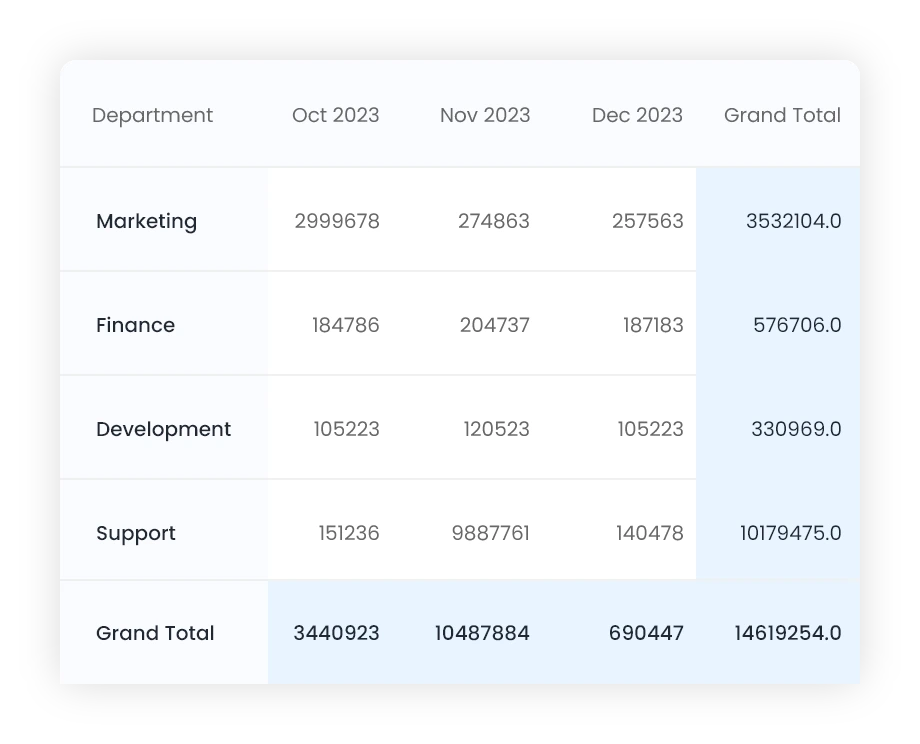
Custom Pivot Tables
Summarize and analyze data using Pivot Table. Save frequently used pivot tables or share with others as required.