Expense Management Software
Automate expense management and control spending
Get total visibility of expenses with automated travel bookings, advance and expense management features of QkrExpense













































Revamp your Expense Reporting System

For Employees

For Managers

For Organization
Automate Expense Approvals
One or more managers can approve, revert for correction or reject expenses based on multi-level policy based workflow.

Expense Request
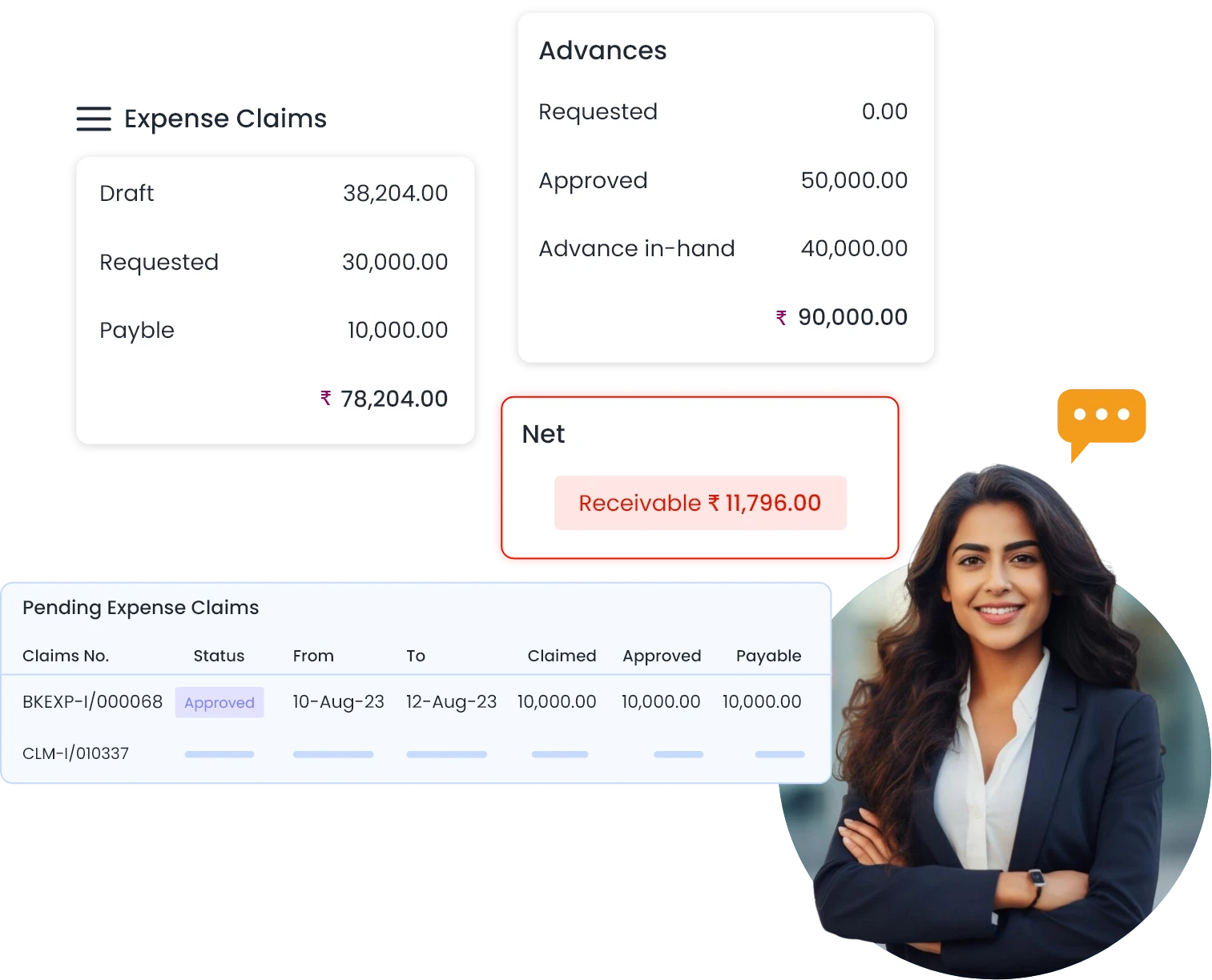
Employee can generate & forward expense report or advance request for approval

Expense Approval
One or more managers can approve, revert for correction or reject expenses based on multi-level policy based workflow

Payment of Expenses
Accounts personnel make payments for the expenses after matching advances
Features
Start working quickly with a user-friendly interface that is similar to familiar spreadsheet software like Excel. Reduce the learning curve with access to frequently used spreadsheet features on every page.


Expense Management
Design your form for each expense type.

Travel Management
Centralize travel booking requests and tickets.

Field Visits & Mileage
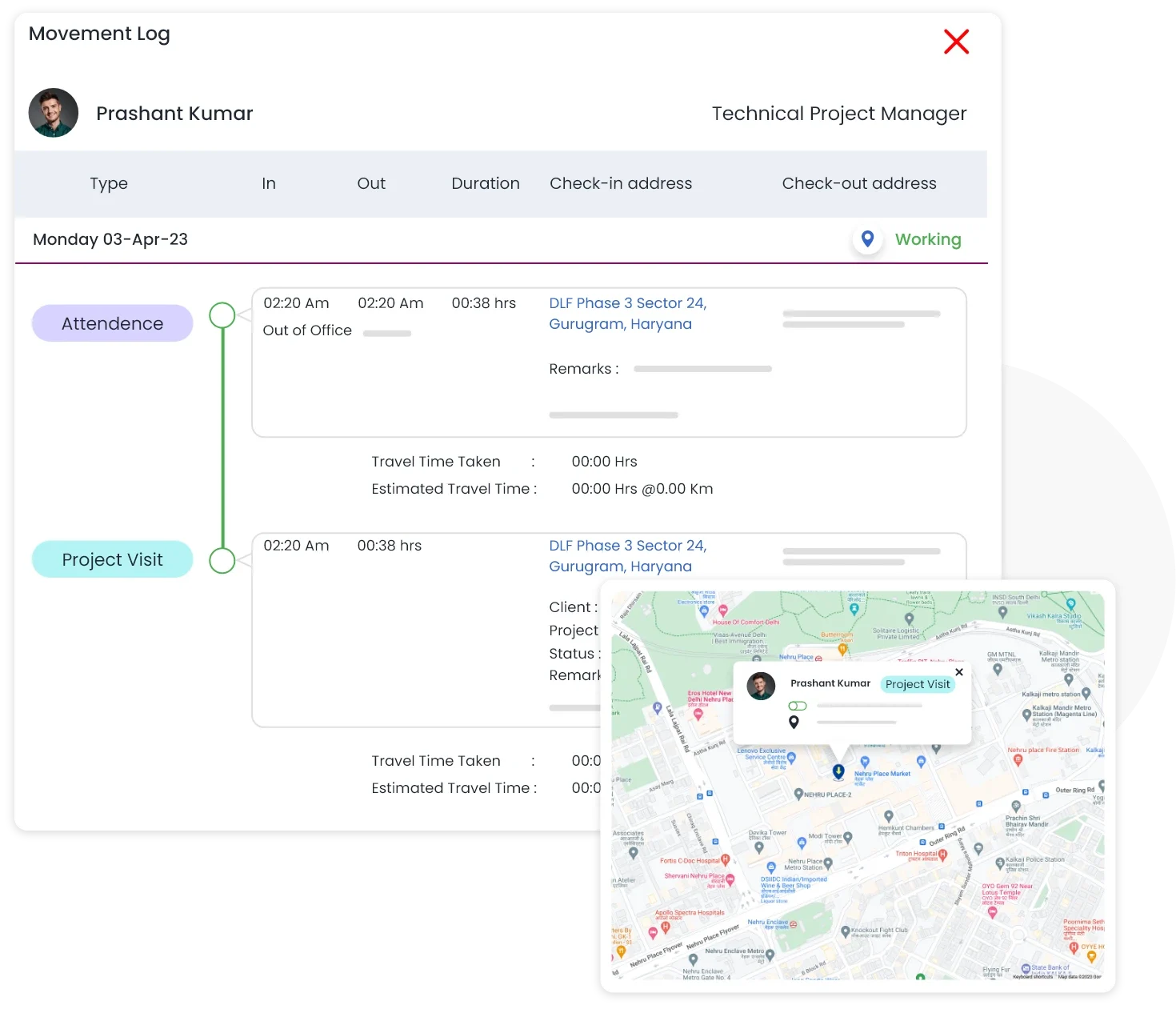
Validate conveyance expenses with actual field visits and mileage.

Advances & Disbursement
Automate the advance requests, payments and expense disbursements.

Project Expenses
Budget and track project expenses for each phase by expense type.

Approval Workflows
Create policy-based workflows that may have multiple approvers at each level. Notifications via apps, emails, and SMS. Customize templates for reminders and notifications. Set up automated notifications for pending approvals.

Intelligent Dashboards & Reports
Use dashboards that provide a 360-degree perspective to manage your team. View detailed reports with drill-down capabilities. Set up email-based customisable MIS reports.

Actionable Analytics
Analyse expenses based on person, department, expense type or purpose over different time frames.

Expense Reporting
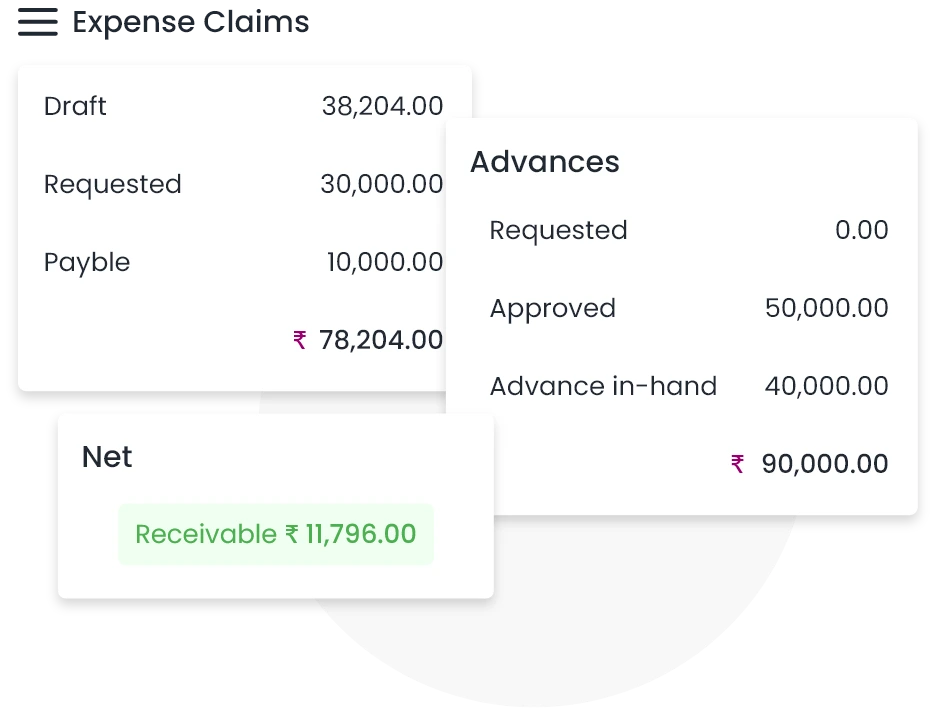
Automate the entire process from submission of expenses to reimbursements. Employees have full visibility as the expenses are approved and paid. All receipts are attached digitally making the entire process paperless.
Mileage Tracking
With the mileage tracking feature of Qkrbiz, organizations can keep track of all conveyance expenses related to field movement of employees. Since mobile application for attendance punches and field visits is integrated with expense management, the system automatically logs the miles incurred by employees who visit clients or attend meetings.
Qkrbiz's mileage tracking feature helps businesses improve their expense management process, reduce the risk of errors or fraudulent claims, and ensure that employees are properly reimbursed for their business-related travel expenses.
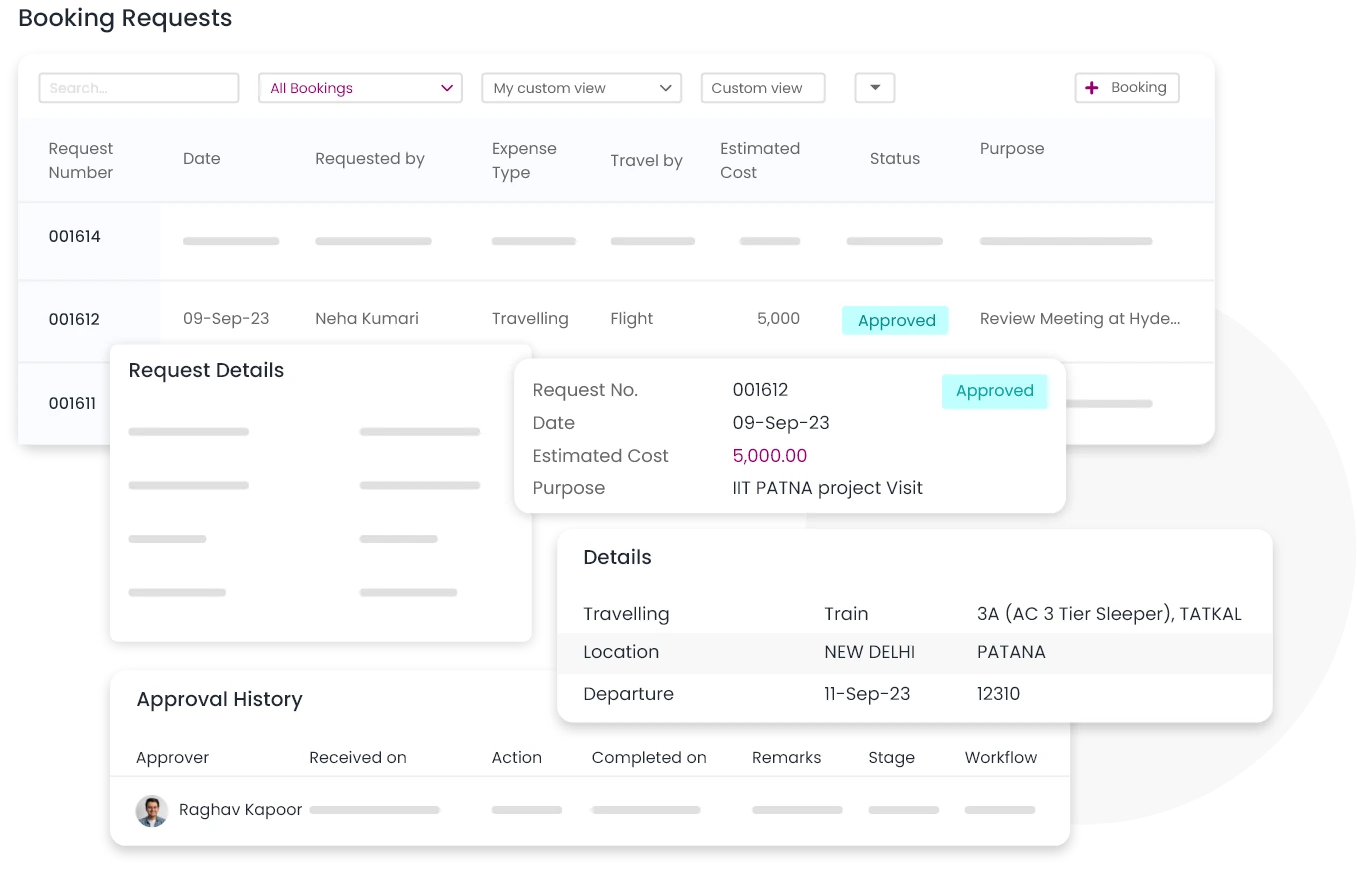
Travel Desk
With its travel desk feature, Qkrbiz helps businesses in streamlining the employee travel booking process. Employees can use the QkrExpense app to make booking requests, which are then reviewed and approved. After approval, the company's travel desk staff can book the required lodging and travel, as well as share the tickets with the staff members

QkrHR has streamlined our HR operations significantly. Its user-friendly interface and comprehensive features have made managing policies, payroll, and other HR tasks effortless. Highly integrated Field Force Management has made managing office and field teams seamless, boosting overall productivity. The customizable views and smart workflows have transformed our HR processes, saving time and enabling smarter decision-making.
Pranav Goel
CEO DebtSet
Advances and Expense Reimbursements
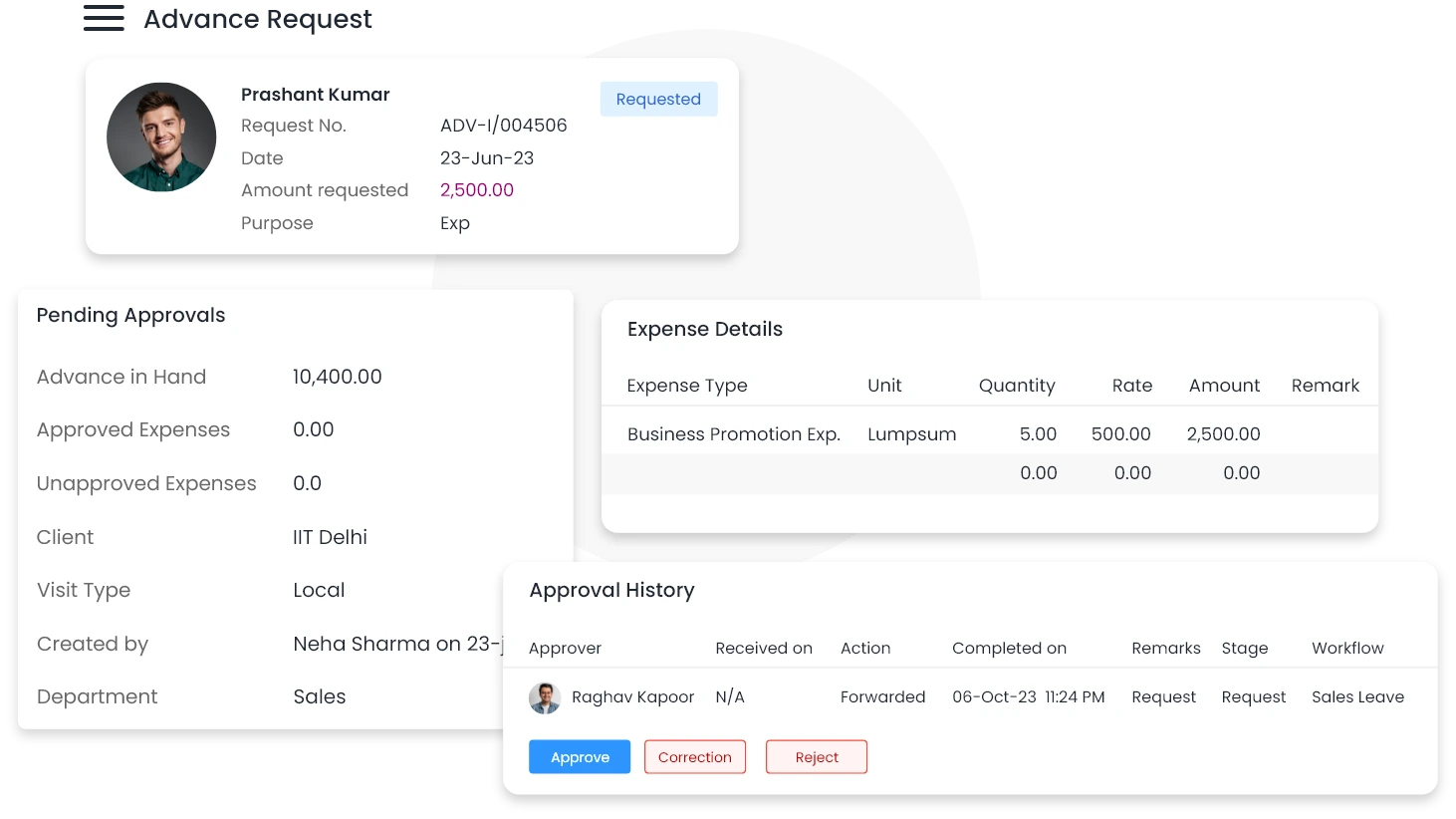
Qkrbiz's expense management system offers a comprehensive solution for managing advances and expense reimbursements. Once the advances and expenses are approved, the system automatically routes them to the accounts team for processing
The accounts team can easily match advances against expense claims and reimburse the balance. This helps ensure timely reimbursements to employees, and also helps businesses avoid overpayment or underpayment of employee expenses
In case of employee exit, pending advances or expenses are automatically settled with final and full settlements.
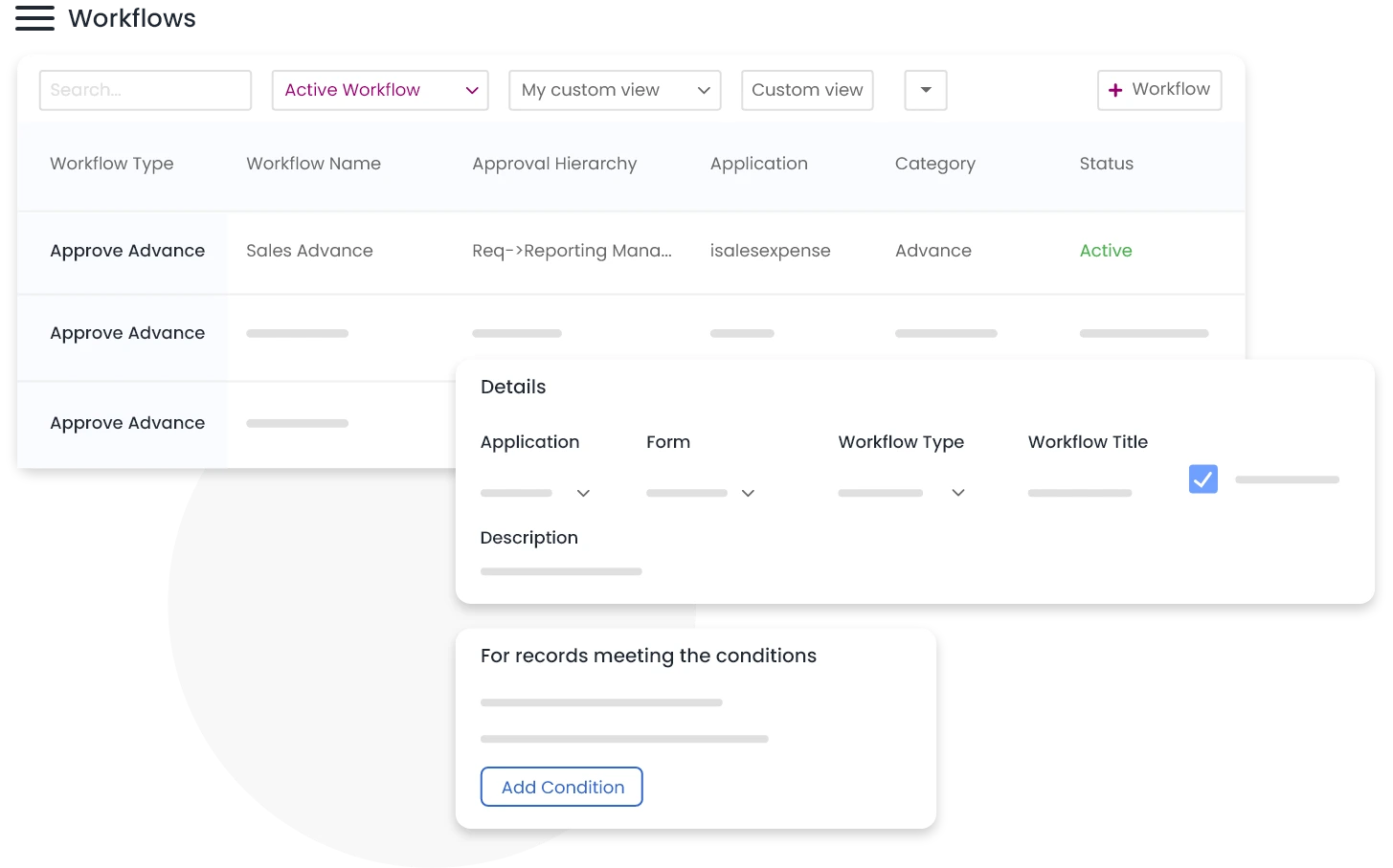
Configurable Workflows
Qkrbiz's workflow engine helps you streamline expense management processes by enabling policy-based approval workflows with unlimited levels of approval and multiple approvers at each stage. Get SMS, email, and in-app notifications, ensuring that everyone involved in the approval process is kept up-to-date.
Customize templates for notifications and reminders, and schedule automated reminders and escalations for pending approvals, ensuring that nothing falls through the cracks.
Project Expenses
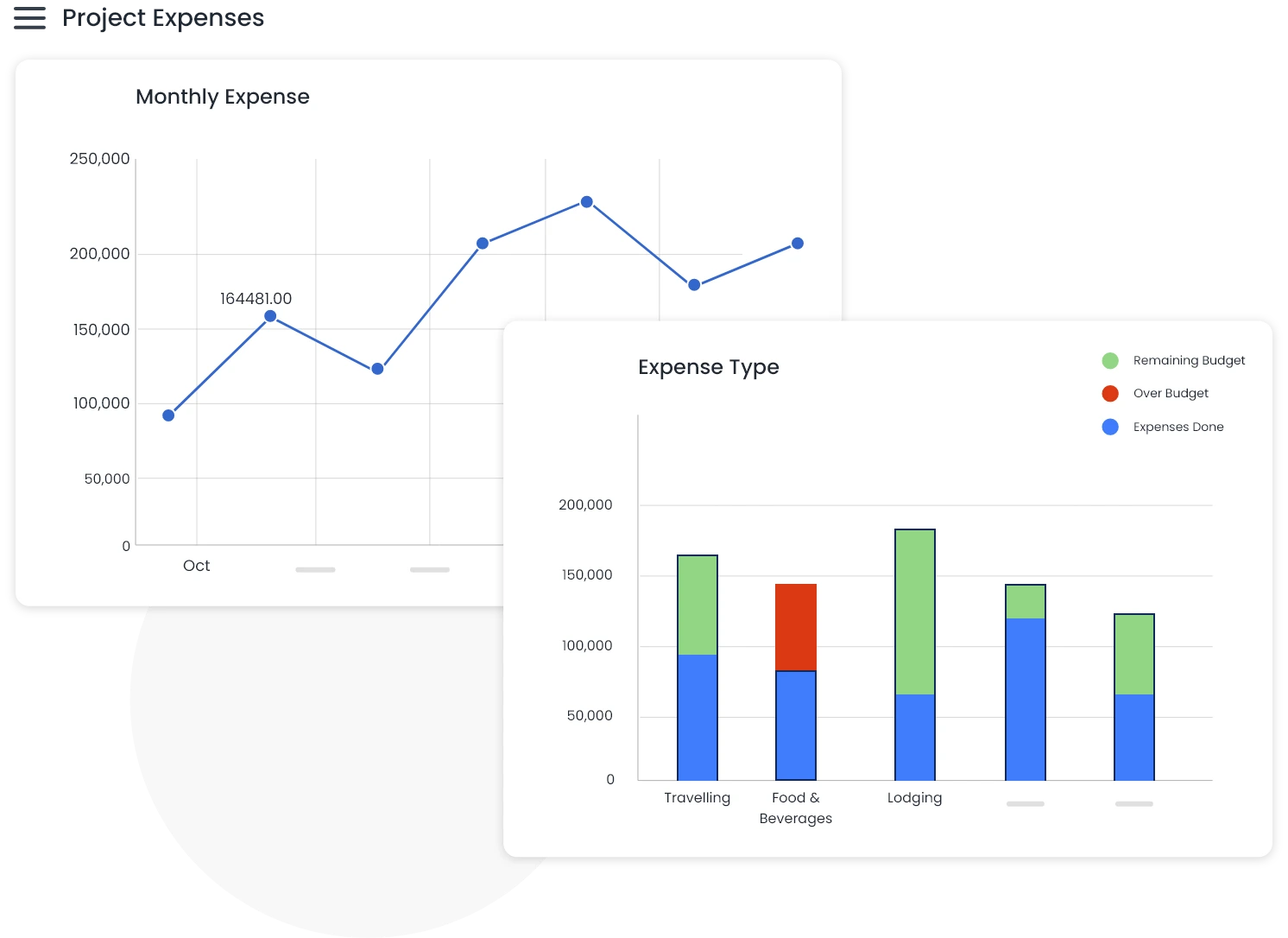
QkrProjects and QkrExpense work seamlessly to ensure businesses can budget and track project expenses on a granular level by phase and expense type.
With project-based approval workflows, project managers from different projects are automatically included in the approval process. Typically, expenses incurred for many projects are presented in a single expense report. This guarantees that project expenses are examined and approved by the right people and enables more effective approval procedures.
Analytics
With the help of QkrExpense's robust analytical tools, organizations may examine their spending habits and analyze their expenses according to a range of parameters. By enabling the creation of pivot tables and reports straight from the app, businesses can quickly visualize their spending data and pinpoint areas where they are overspending.
Businesses may better understand their spending habits, spot areas of overspending, and take action to optimize their budgets and control expenditures with the help of these potent analytical tools. Businesses can improve their financial management and make wise resource allocation decisions by utilizing QkrExpense's analytical skills.
Platform Features
Ease of use with actionable intelligence on every page

Multiple View Options
Visualize your work the way you want

Unified View
Switch to Unified View for deeper data control.

Alerts & Notifications
Never miss a task or deadline

Workflow Automation
Configure workflows as per your policies

Customizations
Tailor to fit your needs

Documents
Integrated Document management

Data Security
Protecting your data is our obsession

BI & Analytics
Actionable Insights at your finger tips

Boards