Switch to Unified View for deeper data control.
No Excel downloads. Just clean, fast, and intuitive data management built for modern HR teams
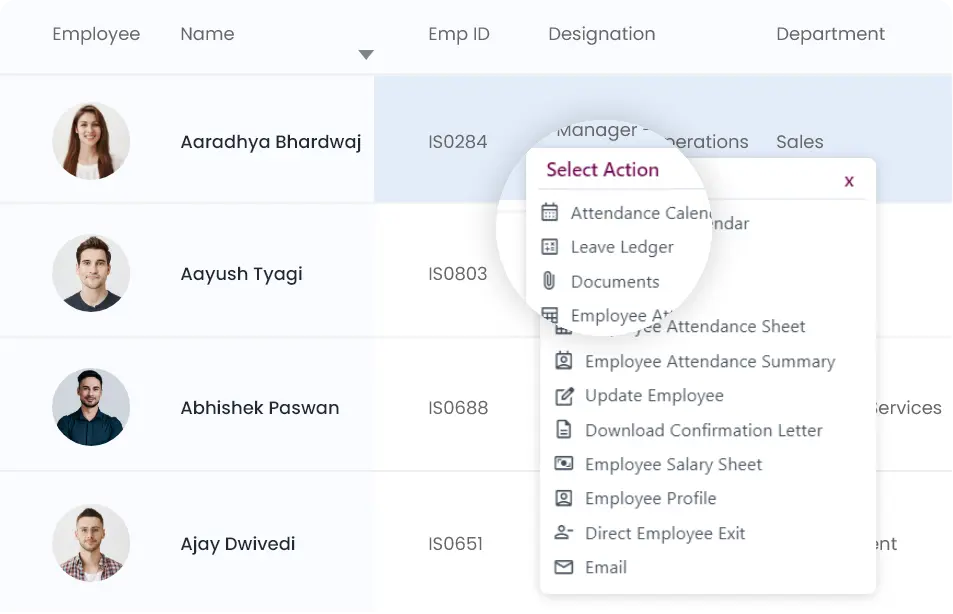
Action Menus
Click on any row to quickly access menus. Only valid options depending on the record's current status are displayed by the dynamically generated menus.
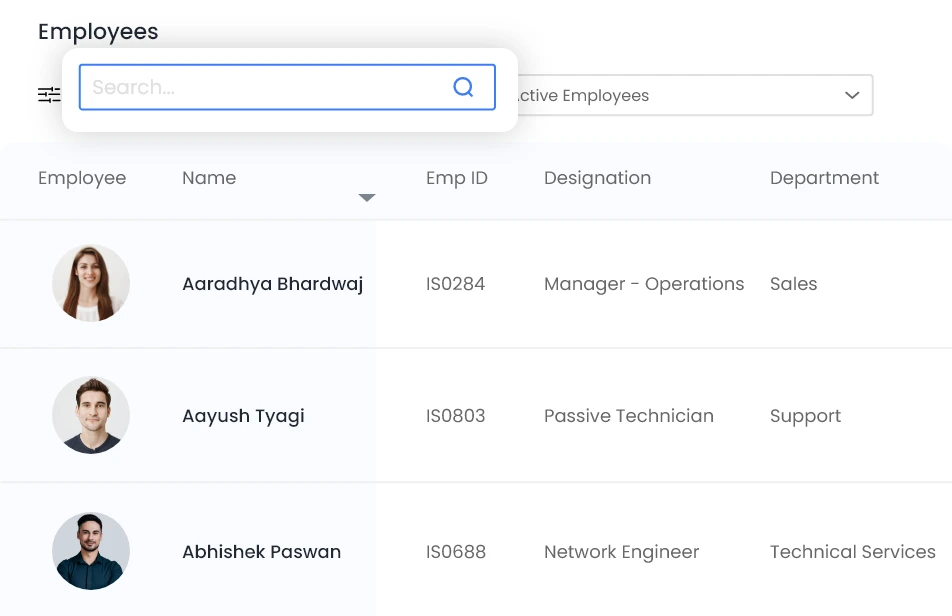
Search
Easily find what you're looking for by searching for any text.
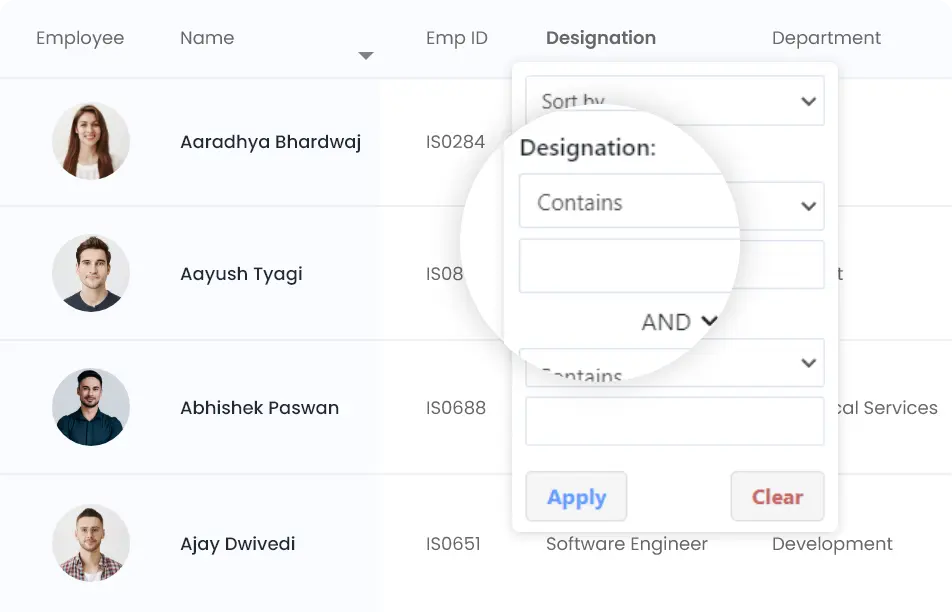
Column Filters
Filter data by simply clicking on any column header. Filter on multiple columns as needed.
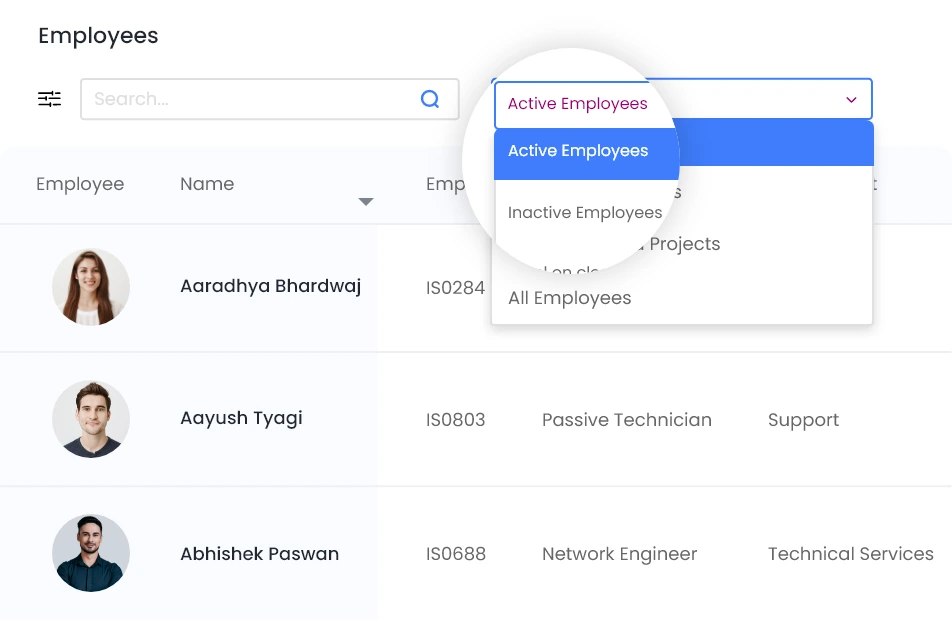
Pre-configured Filters
Use pre-configured filters to filter on frequently used conditions.
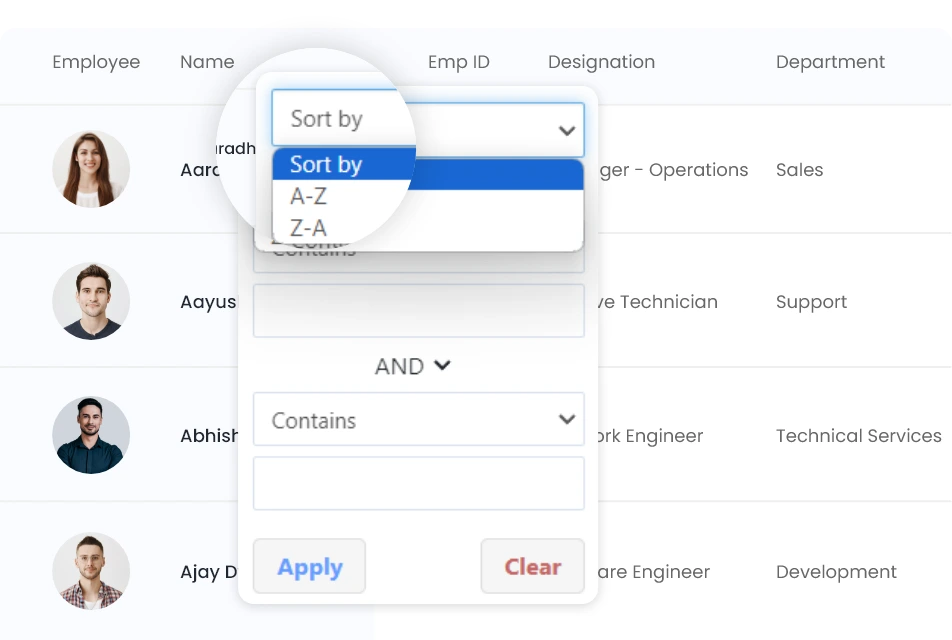
Sort
Arrange your data by sorting on any column.
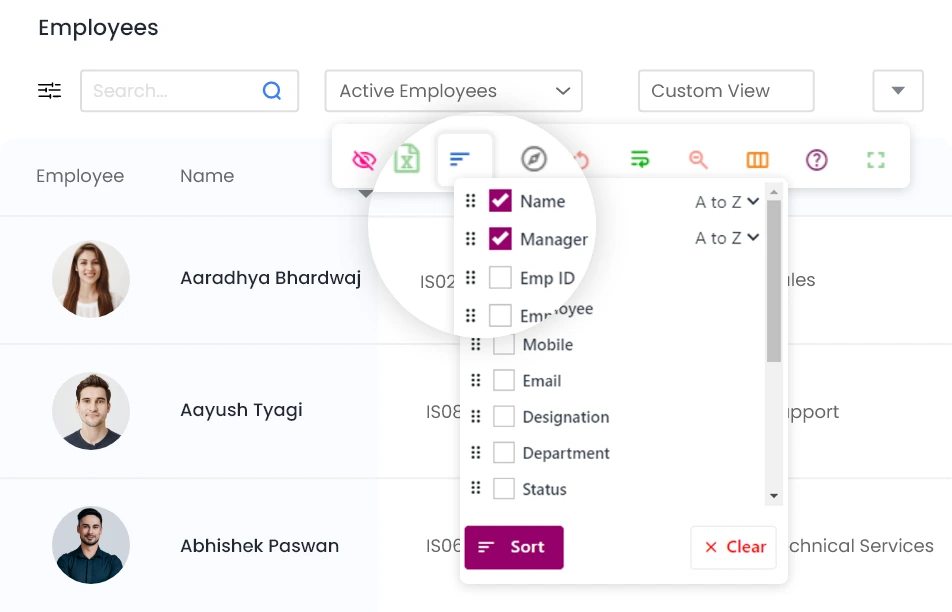
Multi Sort
Use the multi-sort option to sort by multiple columns.
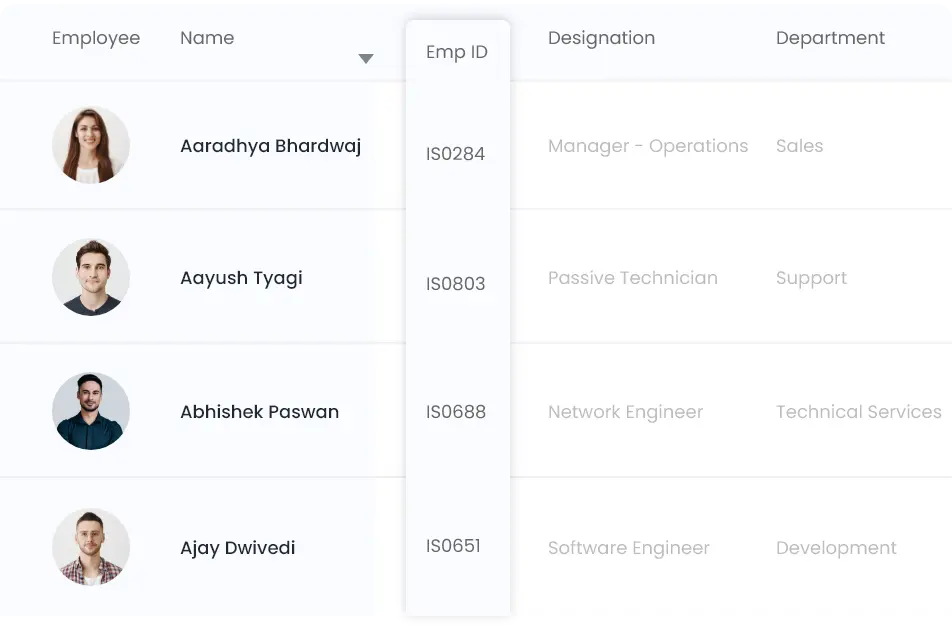
Freeze Columns
Freeze or unfreeze columns by dragging the columns over the frozen columns on the left or the scrolling columns on the right.
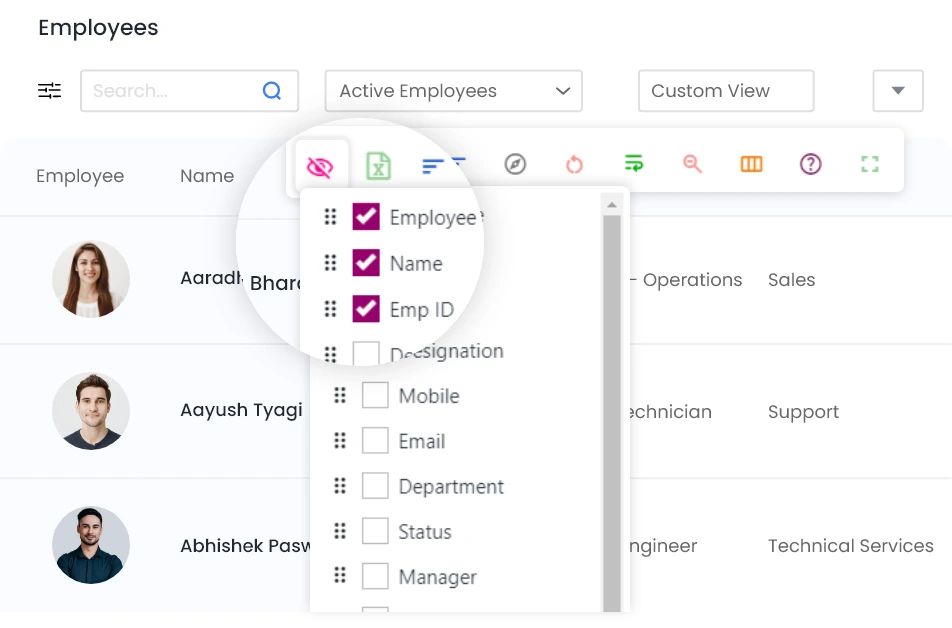
Hide/Unhide Columns
View only required data by hiding or unhiding columns.
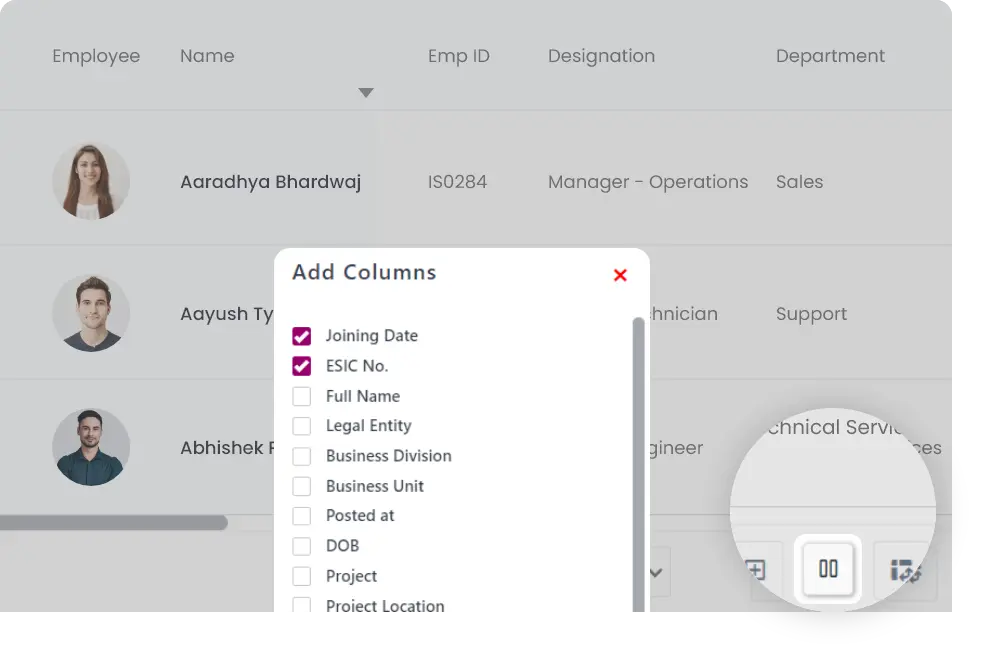
Add Columns
Add the columns you need by selecting optional columns.
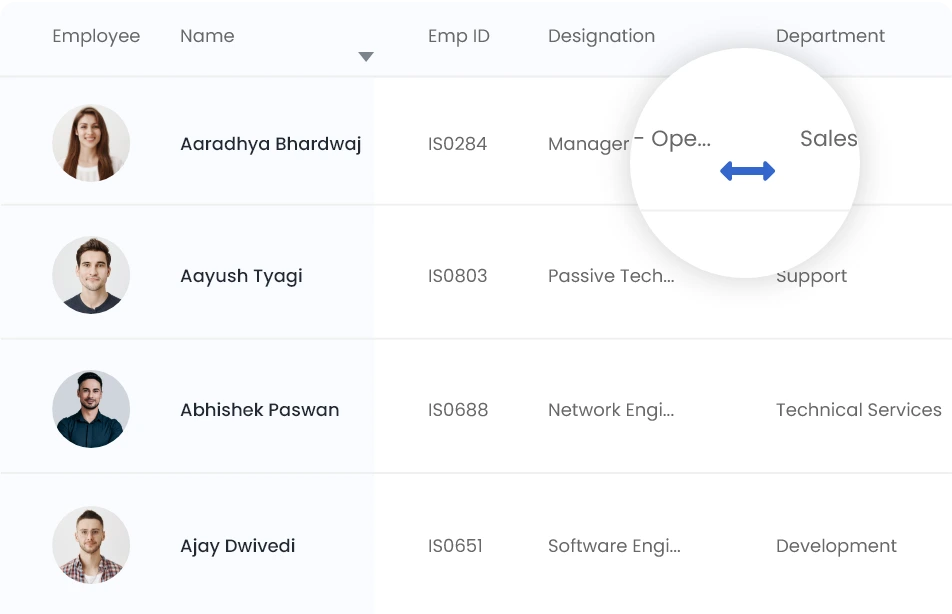
Resize Columns
Resize columns by dragging the column borders.
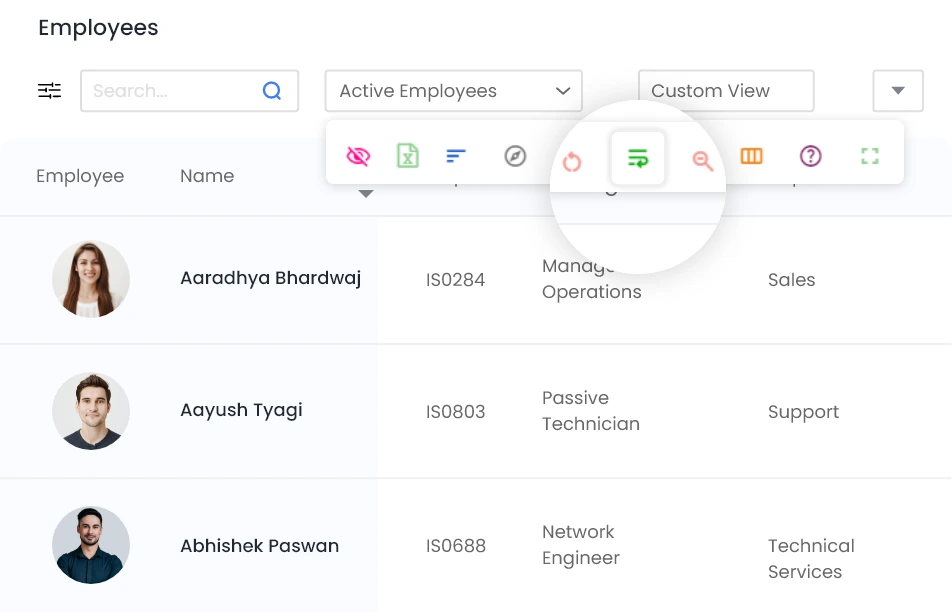
Wrap Text
Wrap text by turning on the wrap text feature.
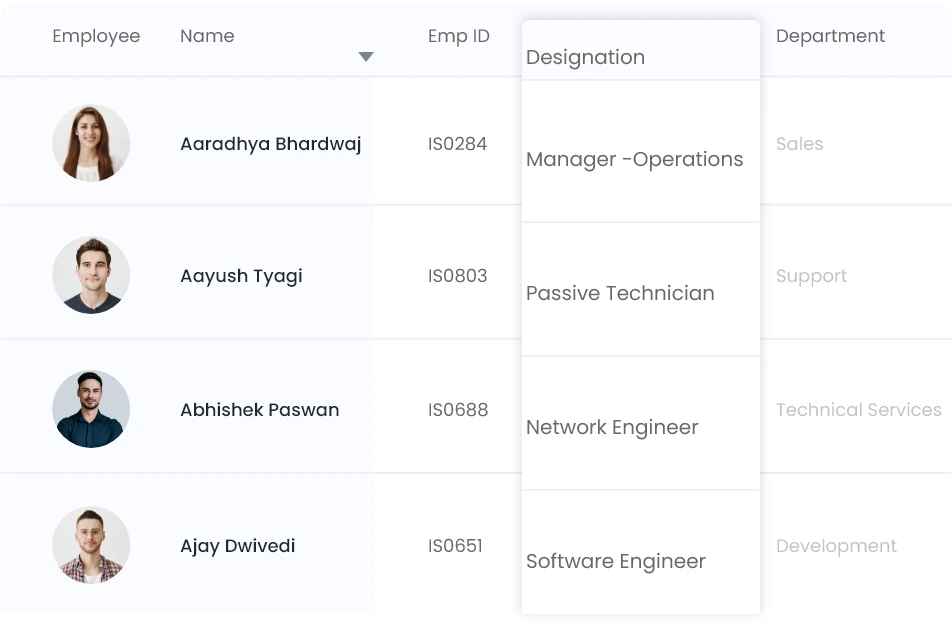
Rearrange Columns
Rearrange columns by simply dragging and dropping the column headers.
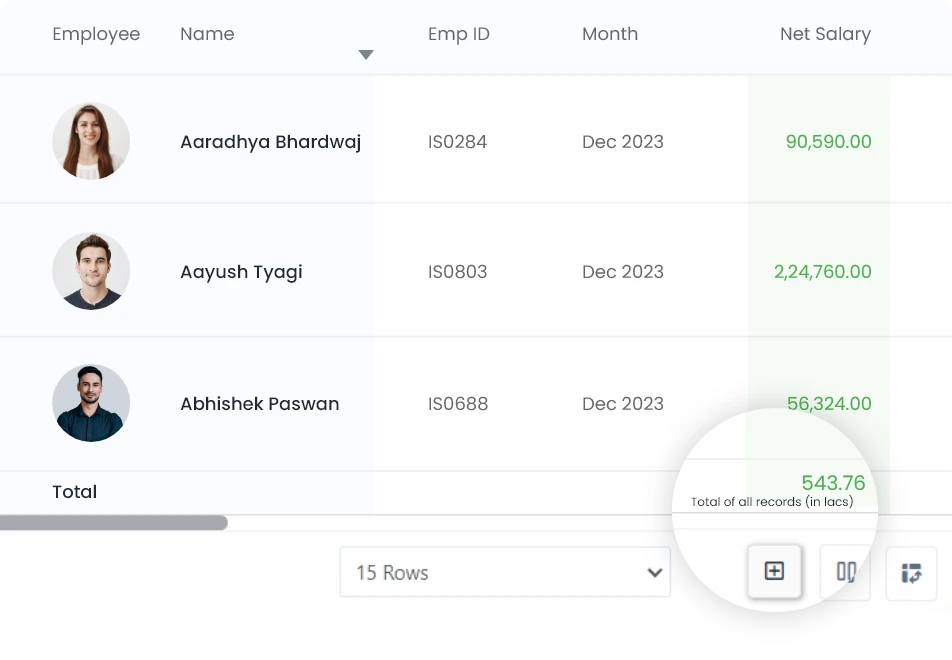
View Column Totals
View column totals by clicking the + icon.
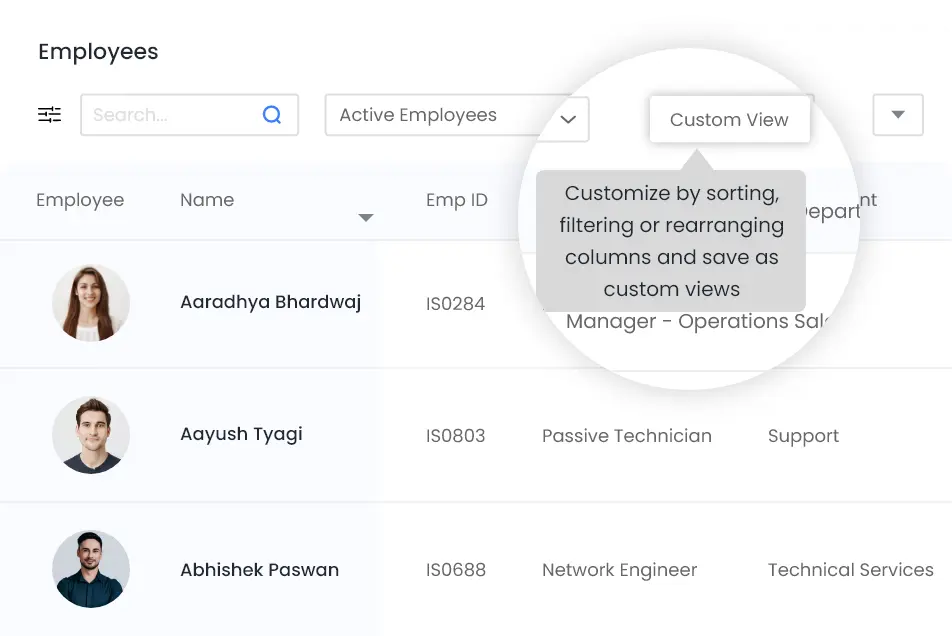
Custom Views
Customize tables by sorting, filtering or rearranging columns and save as custom views for later use.
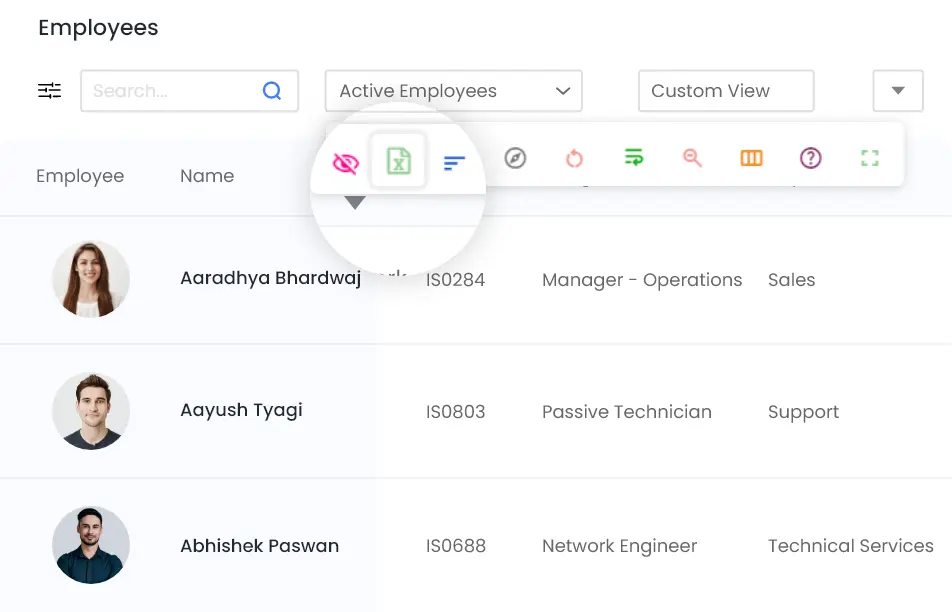
Export to Excel
Export to Excel for those who prefer using spreadsheets.
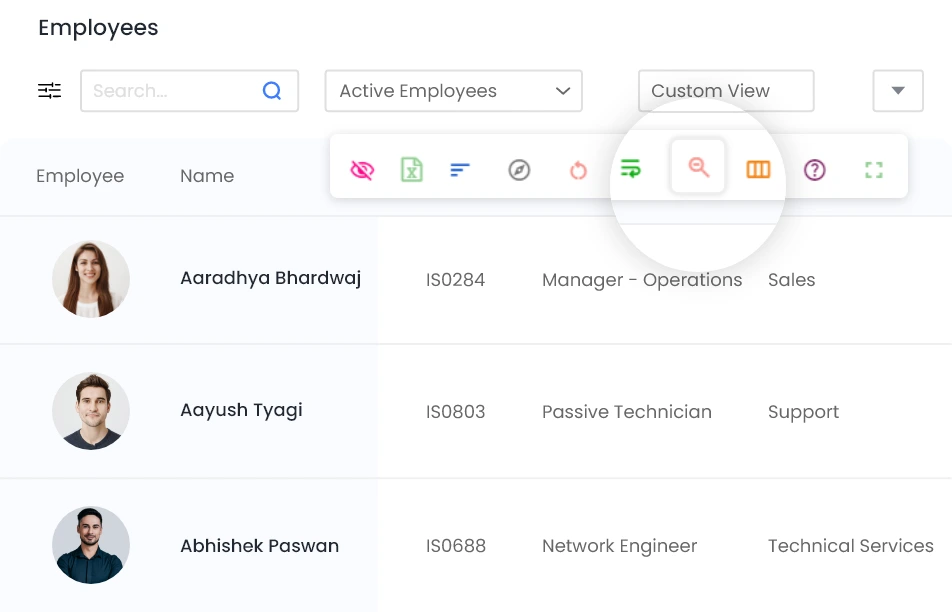
Zoom
Zoom out to see more content on the page.
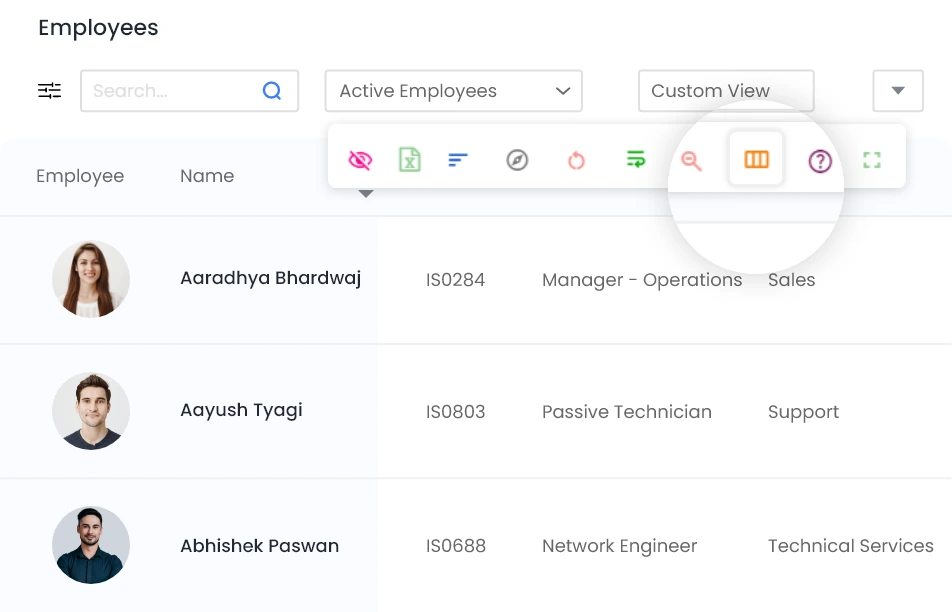
Reset Column Width
Resize columns as per your needs or revert to a standard size.
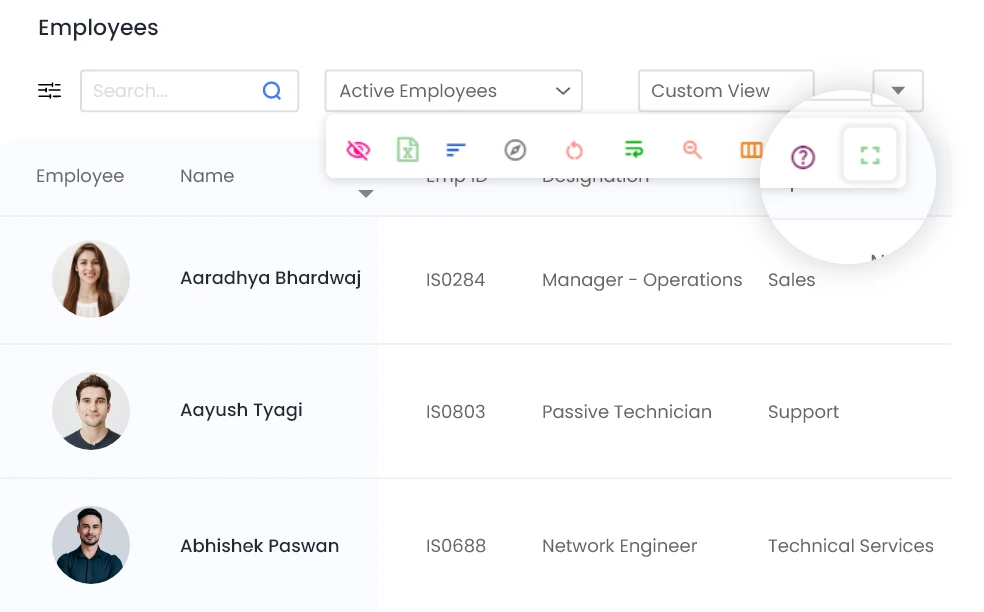
Full Screen
Increase the visible area by using the full screen mode.
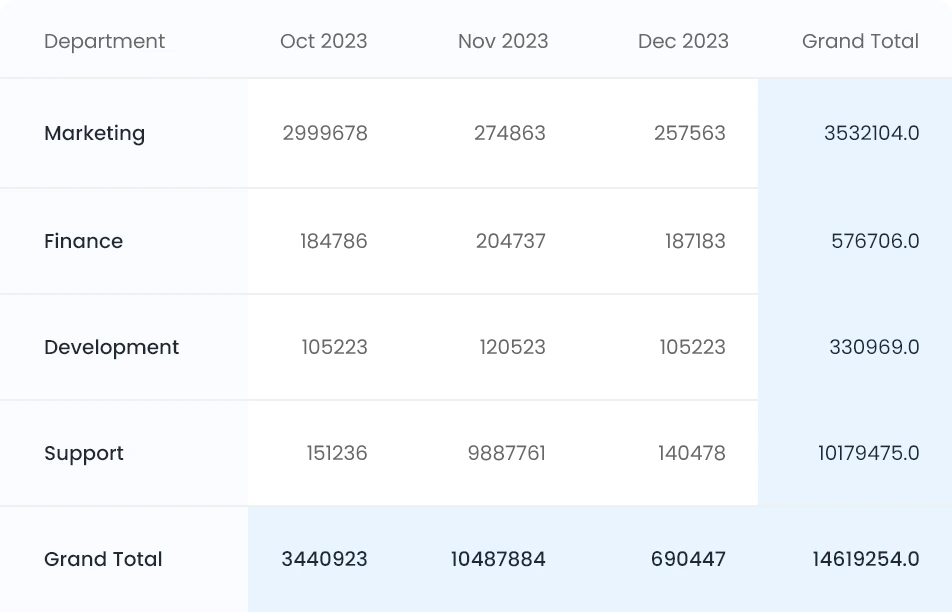
Pivot Tables
Summarize and analyze data with Pivot Tables.
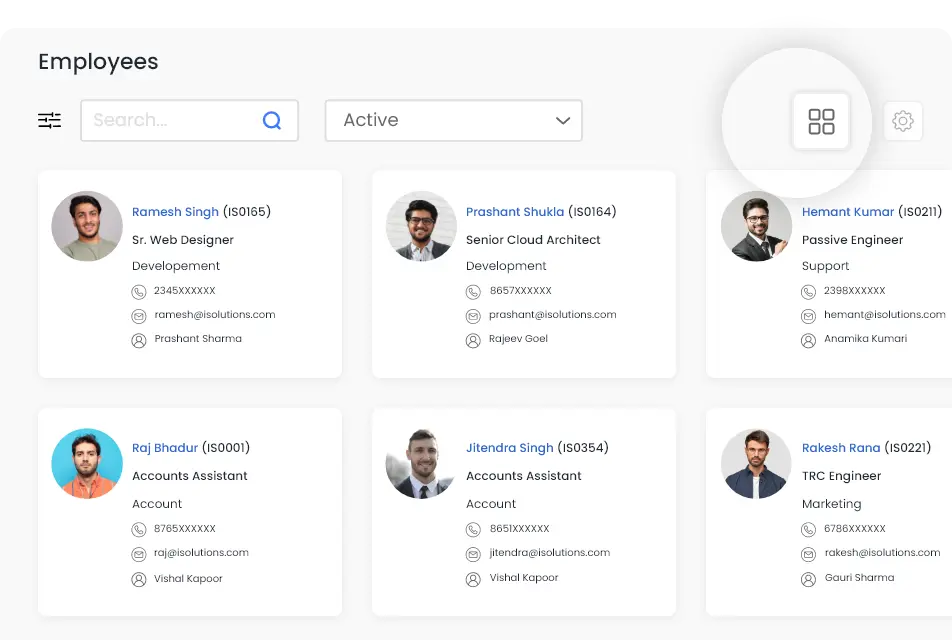
Card View
Switch between spreadsheet view and card view at a click.