HRMS for Logistics and Field Operations
Hub, Delivery and
Field Staff in One Payroll
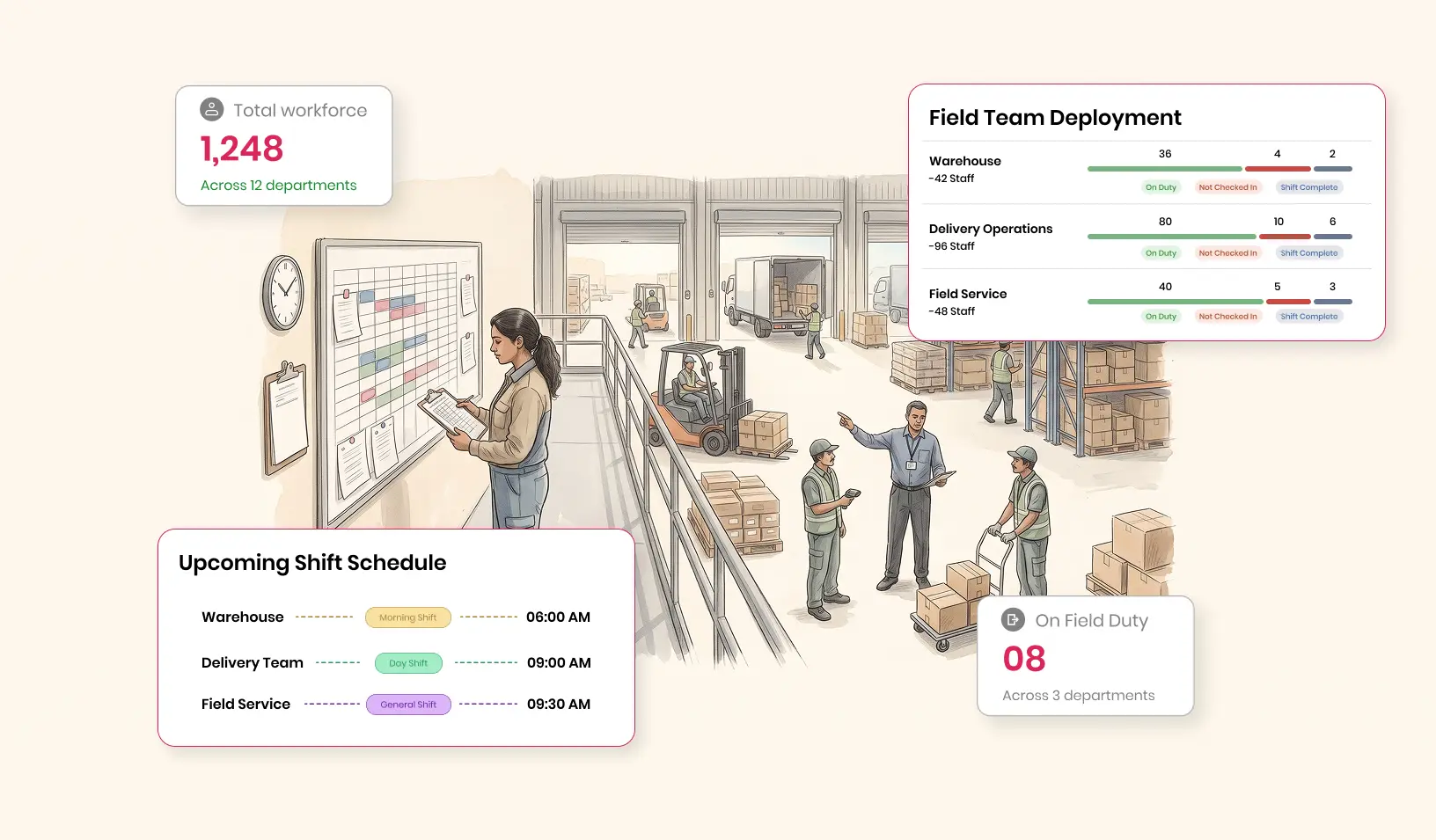
Hub staff punch in on biometrics, delivery staff on mobile and field staff at customer sites. Every shift, kilometre and claim is approved before payroll locks.
Where Logistics HR Loses Track

Three Groups, Three Records
Hub attendance is on a device, drivers report by phone, and technicians fill in a sheet at month-end.

Claims Without Context
Toll, parking and mileage claims arrive with no link to the trip or visit they belong to.

Overtime From Long Shifts
Peak days run long at the hub, and overtime is worked out from memory after payroll closes.
How a Logistics Month Runs on QkrHR
Each group captures its day its own way; approvals and payroll are shared.
Each Group Starts Its Day
Hub staff punch on the biometric device; delivery staff on mobile; technicians check in at their first visit.
06:01 · Hub A · biometric ✓ · 07:40 · Rider 12 · geo-tagged ✓Work Is Recorded Where It Happens
Shift rules apply at the hub; expenses and visits are recorded in the field.
Rider 12 · toll ₹85 · receipt ✓Managers Approve Before the Cut-off
Corrections, leave and claims arrive in each manager's Pending Actions inbox.
Pending: 2 corrections · 5 claimsOne Locked Payroll
Attendance locks, then payroll runs with LOP, overtime and approved reimbursements.
Attendance ✓ → Finalised ✓ → Locked ✓Three Logistics Workflows, Step by Step
Logistics teams mix hub staff on shifts, delivery staff on the road and technicians at customer sites. Each group needs its own workflow, and all three end in the same payroll.
| Step | Hub or warehouse shift | Delivery or driver day | Field service visit |
|---|---|---|---|
| Start | Biometric punch at the hub (all plans) | Geo-tagged mobile punch at the hub or first stop (Foundation) | Task assigned with a deadline and priority in QkrVisit |
| During | Shift rules apply; rosters and shift swap on Growth | Expenses such as tolls and parking submitted with receipts (Foundation) | Check-in and check-out at the customer's site, with distance for each journey |
| Exceptions | Missed punches corrected; bulk regularisation on Foundation | Claims checked against policy limits at approval | Mileage claim worked out from recorded distance at your per-km rate |
| Approval | Shift supervisor, from the Pending Actions inbox | Route manager approves claims before the cut-off | Service manager reviews visits and claims together |
| Payroll | LOP and overtime at twice the ordinary rate | LOP plus approved reimbursements | Approved reimbursements |
Plan contents from QkrHR's published pricing, 9 October 2026; QkrVisit features from its app listing. This page covers people, not vehicles: it doesn't cover fleet tracking or route optimisation. How visit data from QkrVisit reaches QkrHR depends on your setup, so we confirm it in the demo.
Questions Logistics HR Teams Ask
Related Industries
- Supplying stores across cities? See retail HRMS.
- Running a warehouse or plant? See HRMS for manufacturing plants.
- Deploying staff at client sites? See HRMS for security and facility management.
See a Logistics Month on Test Data
We'll set up a hub shift, a delivery team and a field technician, approve their claims and run one payroll.